AI Old Photo Restoration
Repair scratches, tears, stains and fading in old family photos.
Free on the shared queue · No subscription · Nothing stamped on your result
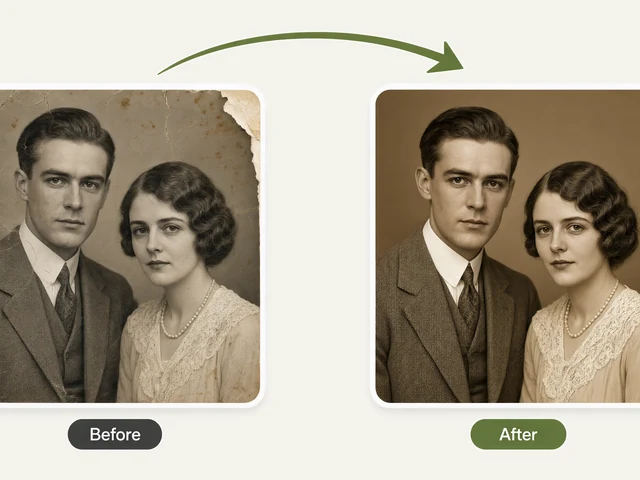
AI Old Photo Restoration repairs the damage that time does to printed photographs: scratches, tears and creases, faded and yellowed colour, water stains, and missing corners or edges. Scan or photograph the print, upload it, and the AI rebuilds the damaged areas while keeping the faces and details of the people in it.
You can keep the result in black and white, true to the original, or have it colourised in the same step. It is the quickest way to rescue the family album before it fades any further, and to make a copy good enough to print, frame or share with relatives.
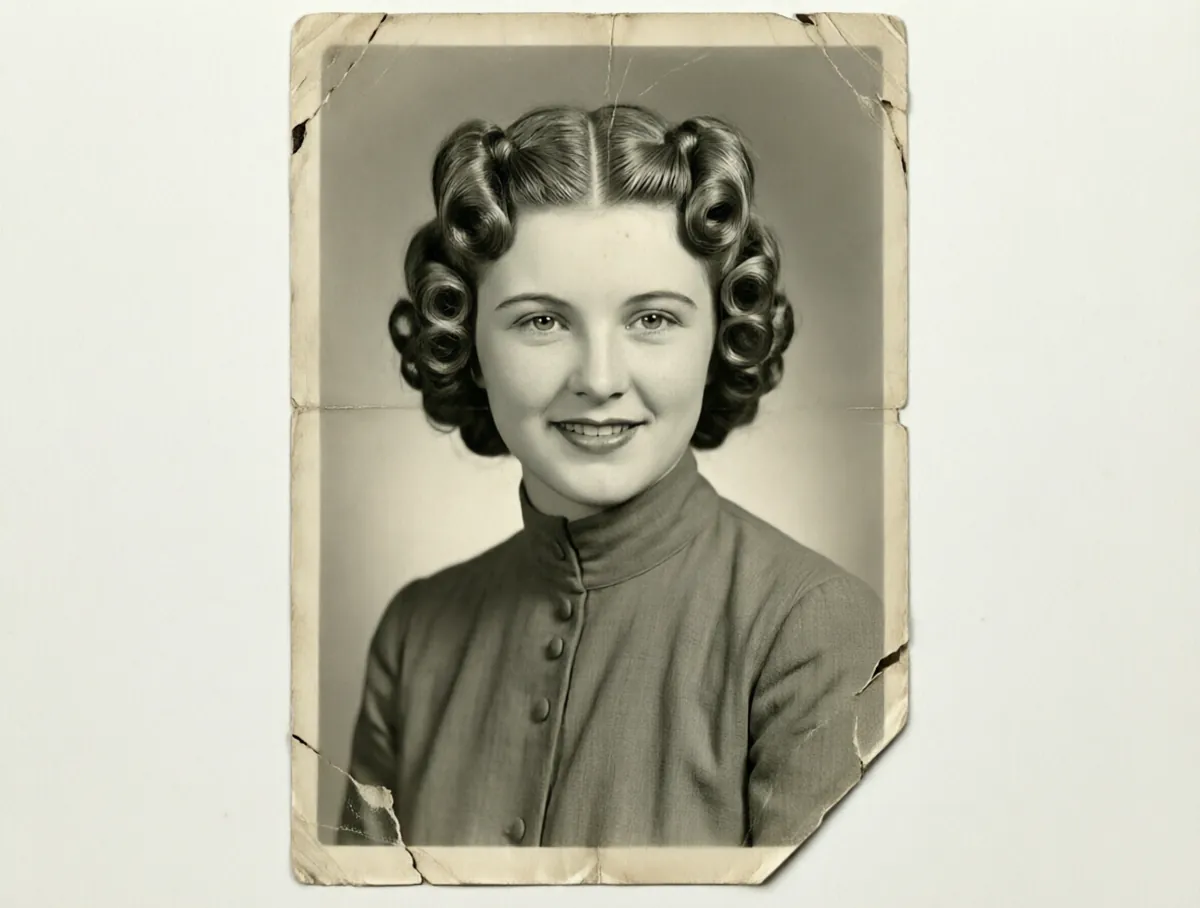
AI Old Photo Restoration examples
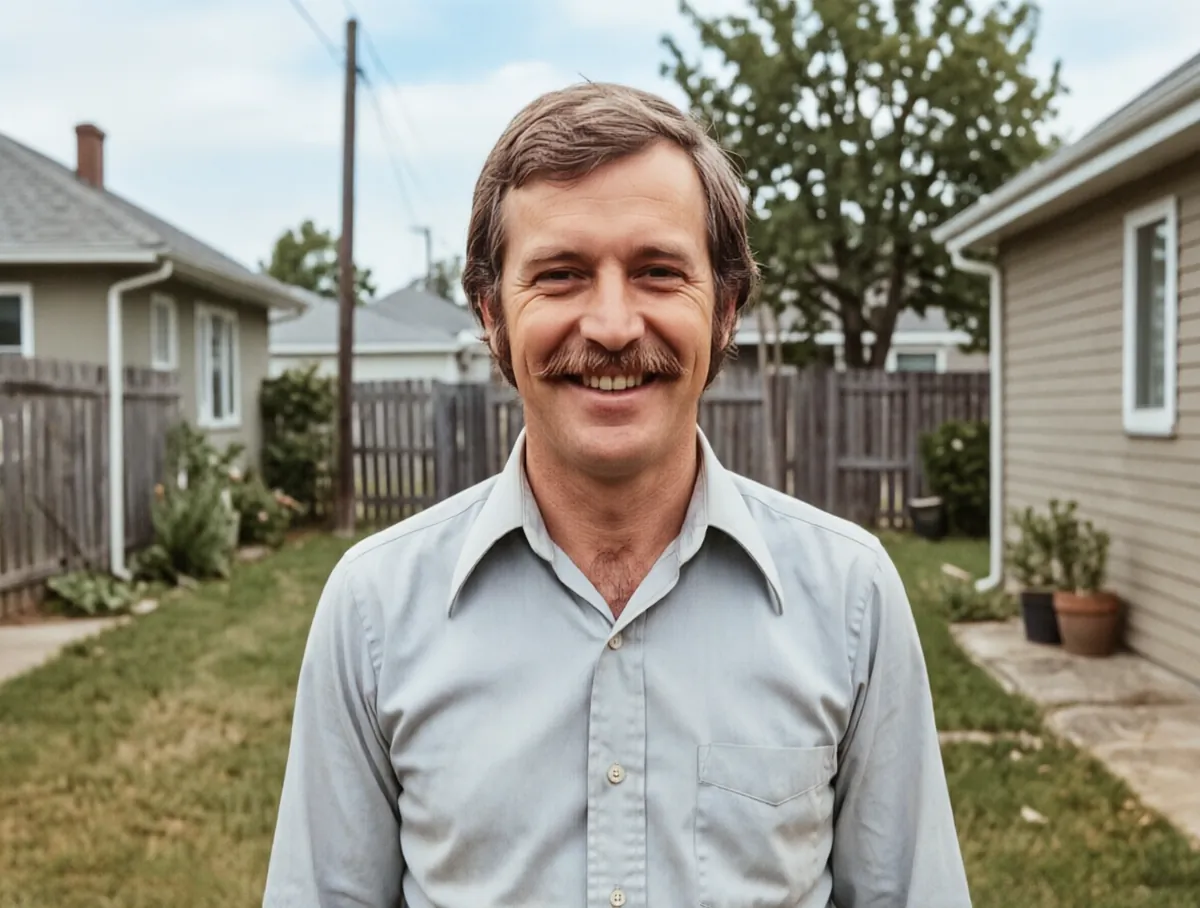
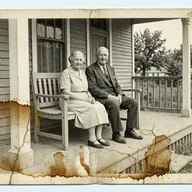
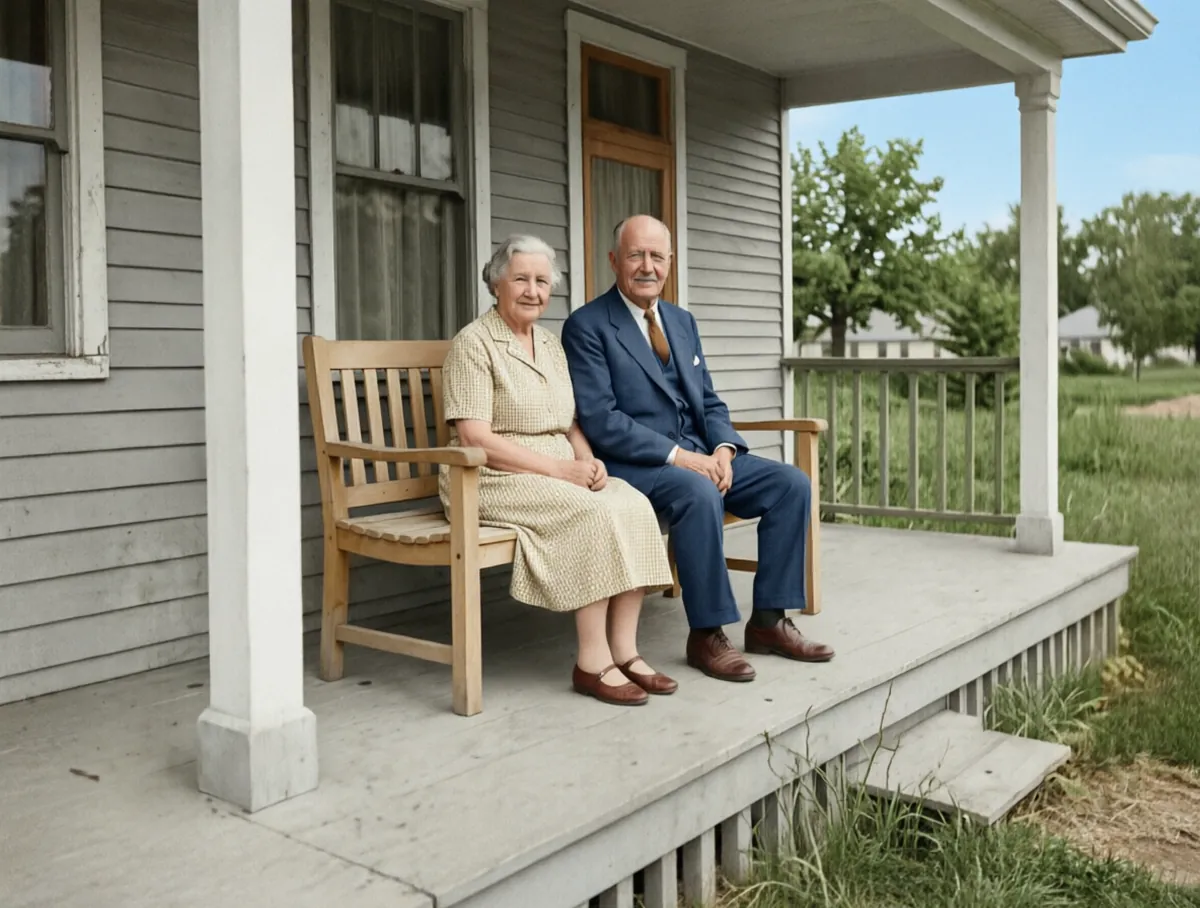
How to use the AI Old Photo Restoration
- Scan the photo, or take a straight-on picture of it with your phone in good, even light.
- Upload the image.
- Tell the AI what is wrong with it: scratches and tears, faded and discoloured, water damage, missing corners or edges, or general wear.
- Choose whether to keep it black and white or add colour.
- Run it on the free queue, or use credits for an instant result, then download the restored photo.
What people use it for
Family albums
Repair the wedding photos, baby pictures and portraits of grandparents that have creased, torn or faded in a drawer.
Memorials and funerals
Make a clean, printable portrait from the only old photo you have of someone, for a service or a memorial board.
Genealogy and family history
Restore photos for a family tree, an ancestry profile or a printed family history book.
Anniversary and birthday gifts
Give parents or grandparents a restored, framed copy of their wedding day or an old family snapshot.
Archives and local history
Clean up scanned prints for a society newsletter, a museum post or a school reunion.
Tips for the best result
- Scan at 600 dpi or higher if you can; a phone photo works, but hold the phone parallel to the print so the shape is not skewed.
- Avoid glare: photograph prints in daylight from a window rather than under a lamp or with the flash on.
- Take the photo out of a glass frame or plastic sleeve first, because reflections look like damage.
- Pick the damage type that matches the worst problem; for a badly damaged print, run it again on the result to go further.
Frequently asked questions
Can it fix torn or missing parts of a photo?
Yes. Choose "Missing corners or edges" or "Scratches and tears", and the AI fills in the damaged areas to match the rest of the picture. Large missing areas are reconstructed, so they are a best guess rather than the original detail.
Can I restore and colourise in one go?
Yes. Set the Colorize option to "Add color". For more control over the colours, restore first and then use the Colorize Black & White Photos tool on the result.
Will it change the faces in the photo?
The restoration aims to keep everyone looking like themselves. Very blurred or badly damaged faces have to be partly rebuilt, so check the result against the original.
Is the AI Old Photo Restoration free?
Yes. Every account gets a daily allowance of free runs on the shared free queue, with no subscription. Free jobs run when our GPUs have spare capacity, so the wait can run to hours; the queue page shows your place in line. Credits run the same job immediately.
Will my result have a logo or text on it?
No. What you download is clean, whether it ran on the free queue or with credits.
Who owns the result, and can I use it commercially?
You own the images generated for you, under our Terms of Service, subject to the rights of anyone shown in the photos you upload. Only upload photos of people who have agreed to it.
What happens to the photos I upload?
They are used only to create your result, and uploads and results are deleted on the schedule set out in the Retention section of our Privacy Policy.