AI Image Upscaler
Increase resolution and sharpen detail so small or soft photos look crisp.
Free on the shared queue · No subscription · Nothing stamped on your result
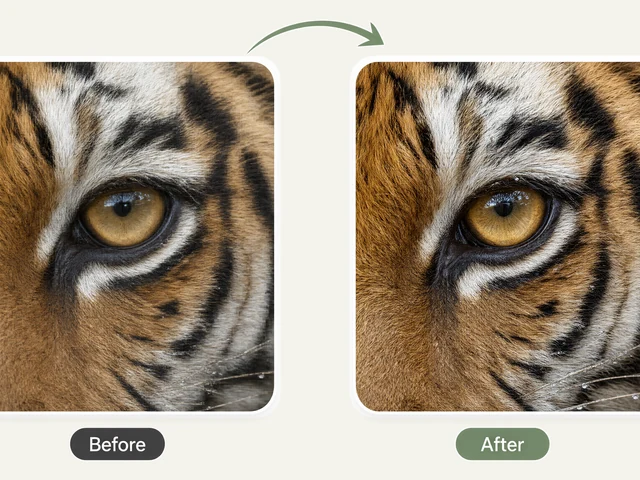
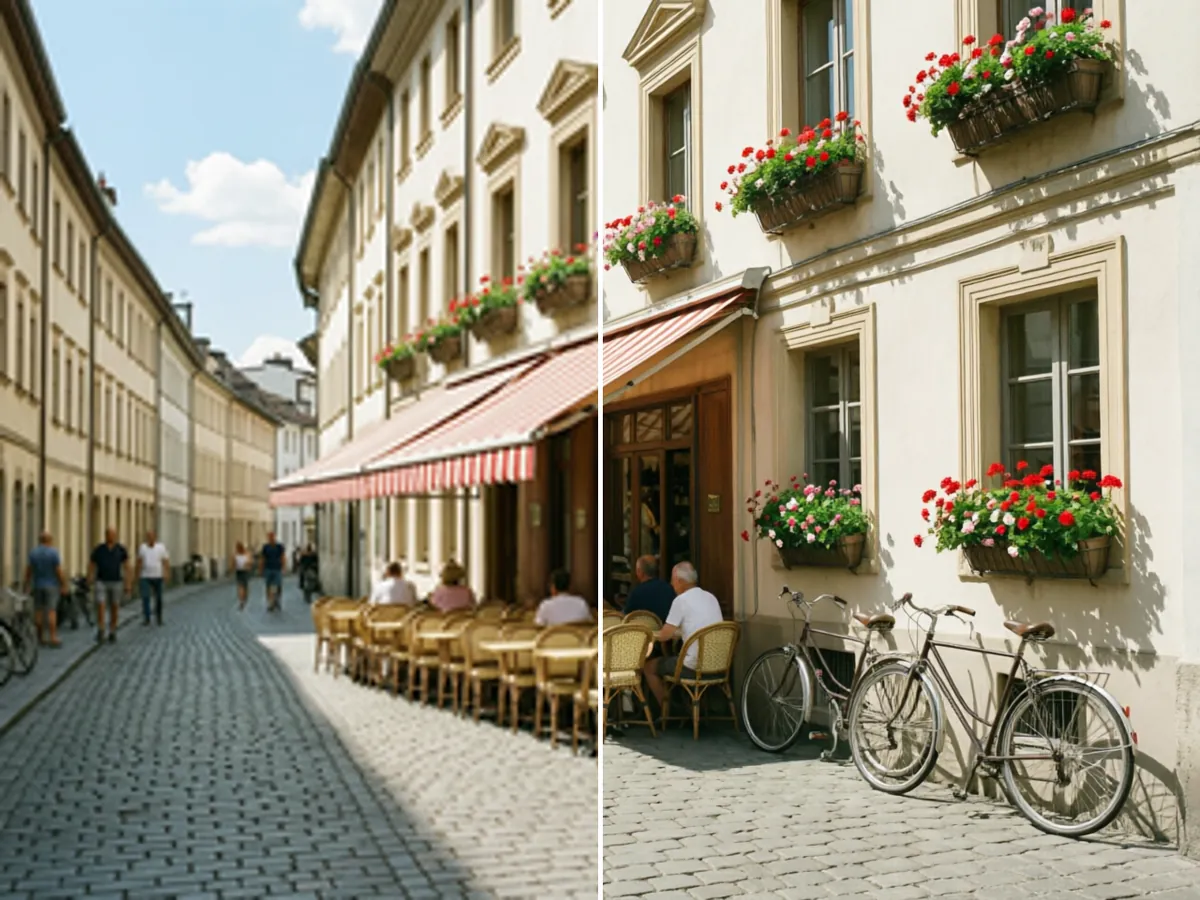
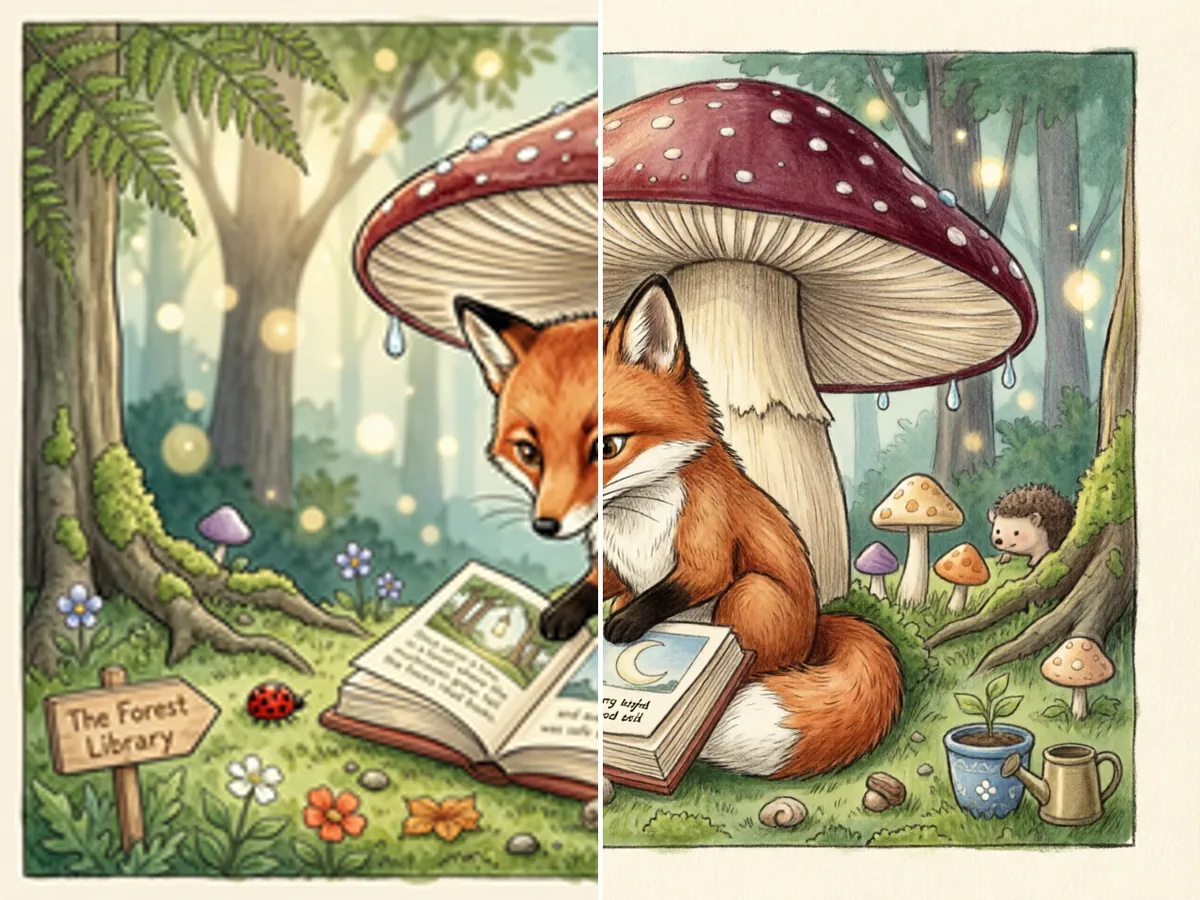
The AI Image Upscaler makes small or soft photos bigger and sharper. It increases the resolution and rebuilds fine detail, such as eyelashes, hair, fabric, leaves and text edges, so a low-resolution picture looks crisp enough to share, crop or print at a larger size.
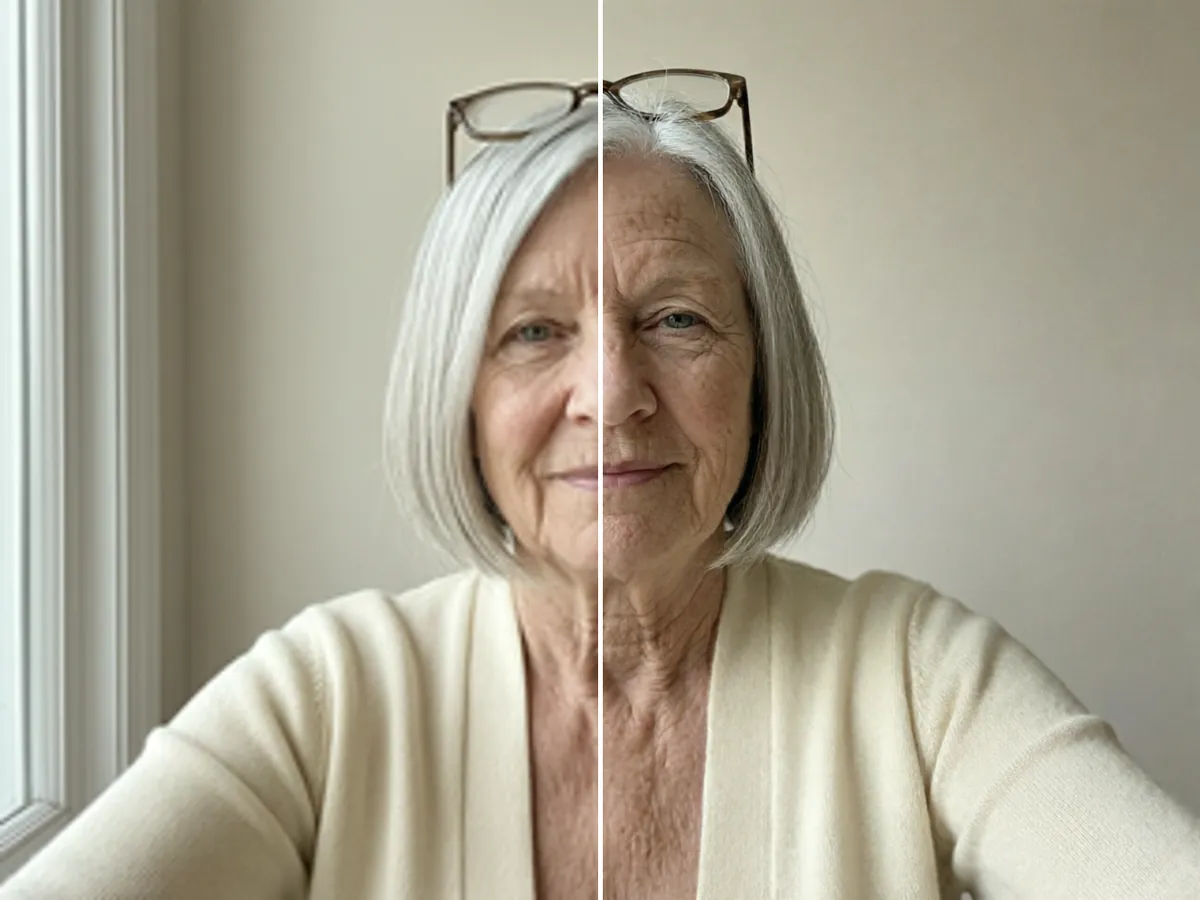
Choose 2x or 4x and the kind of picture it is. Photo mode sharpens the whole scene evenly, Face priority gives extra care to faces and eyes while keeping natural skin texture, and Illustration mode keeps clean lines and flat colour instead of adding photographic texture. The composition, colours and subject are not changed.
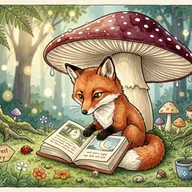
AI Image Upscaler examples
How to use the AI Image Upscaler
- Upload the image you want to enlarge: an old phone photo, a small download or a soft crop.
- Choose the upscale factor: 2x or 4x.
- Choose the mode: Photo, Face priority or Illustration.
- Run it on the free queue, or use credits to get it straight away, and download the larger image.
What people use it for
Printing small photos
Enlarge an old phone photo or a social media download so it holds up as a print or in a frame.
Cropping in
Upscale after cropping a distant subject so the crop does not look blurry.
Profile and listing images
Sharpen a soft product photo or headshot before using it on a website or marketplace.
Artwork and illustrations
Use Illustration mode to enlarge drawings, logos and digital art without making them look like photos.
Tips for the best result
- Use the best copy you have. The upscaler sharpens what is there; it cannot recover a face that is a few pixels wide.
- Use Face priority for portraits and Illustration for drawings, logos and screenshots of art.
- For scratched or damaged old prints, use AI Old Photo Restoration first, then upscale the restored copy.
- The output is capped at 2048 pixels on the longest side, so a 4x upscale of an image that is already large is limited to that size.
Frequently asked questions
How big can the result be?
Up to 2048 pixels on the longest side. A small image is enlarged 2x or 4x as you choose; an image that would come out larger than that is scaled to fit.
Does it change the picture?
It is meant not to. The upscaler adds detail and sharpness but keeps the subject, composition, colours and proportions as they are.
What is the difference between the modes?
Photo sharpens the whole scene evenly. Face priority adds extra detail to faces and eyes while keeping natural skin texture. Illustration keeps clean lines and flat colour for drawings and digital art.
Is the AI Image Upscaler free?
Yes. Every account gets a daily allowance of free runs on the shared free queue, with no subscription. Free jobs run when our GPUs have spare capacity, so the wait can run to hours; the queue page shows your place in line. Credits run the same job immediately.
Will my result have a logo or text on it?
No. What you download is clean, whether it ran on the free queue or with credits.
Who owns the result, and can I use it commercially?
You own the images generated for you, under our Terms of Service, subject to the rights of anyone shown in the photos you upload. Only upload photos of people who have agreed to it.
What happens to the photos I upload?
They are used only to create your result, and uploads and results are deleted on the schedule set out in the Retention section of our Privacy Policy.