Colorize Black & White Photos
Add natural, realistic colour to black-and-white photos.
Free on the shared queue · No subscription · Nothing stamped on your result
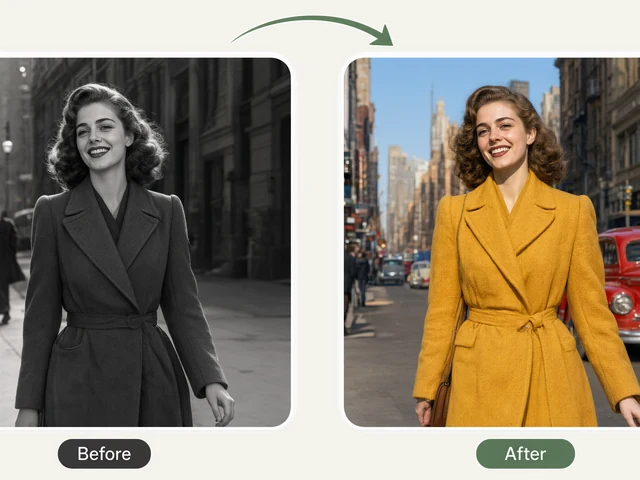
Colorize Black & White Photos adds natural, realistic colour to old monochrome pictures. Upload a black-and-white or sepia photo and the AI works out believable colours for skin, hair, clothing, sky and surroundings, so the people in it look like they were photographed yesterday.
You can steer the result: choose a palette that is true to the era or more vivid and modern, give a skin tone hint so a relative is coloured correctly, and tell the AI roughly when the photo was taken, from the 1900s to the 1980s, so clothes and settings get period-appropriate colours.
Colorize Black & White Photos examples
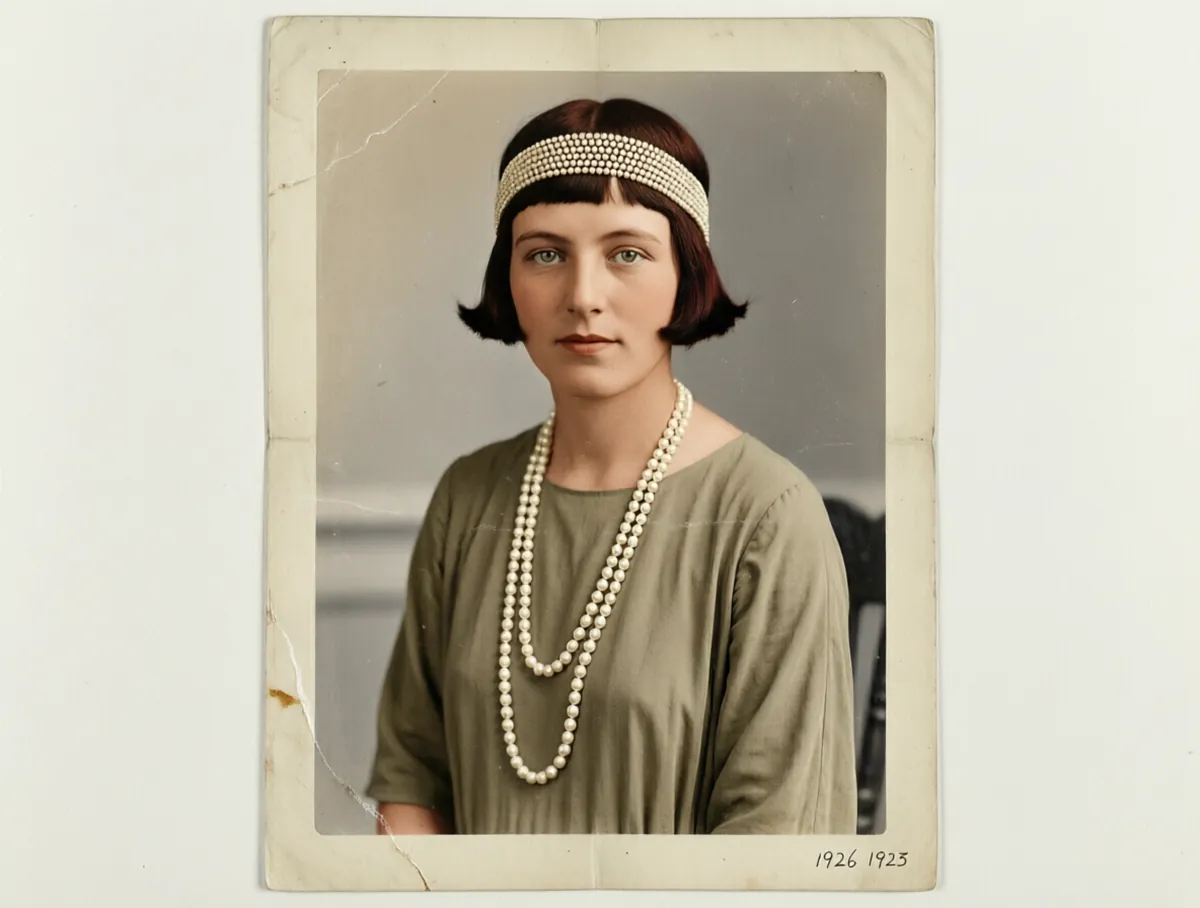
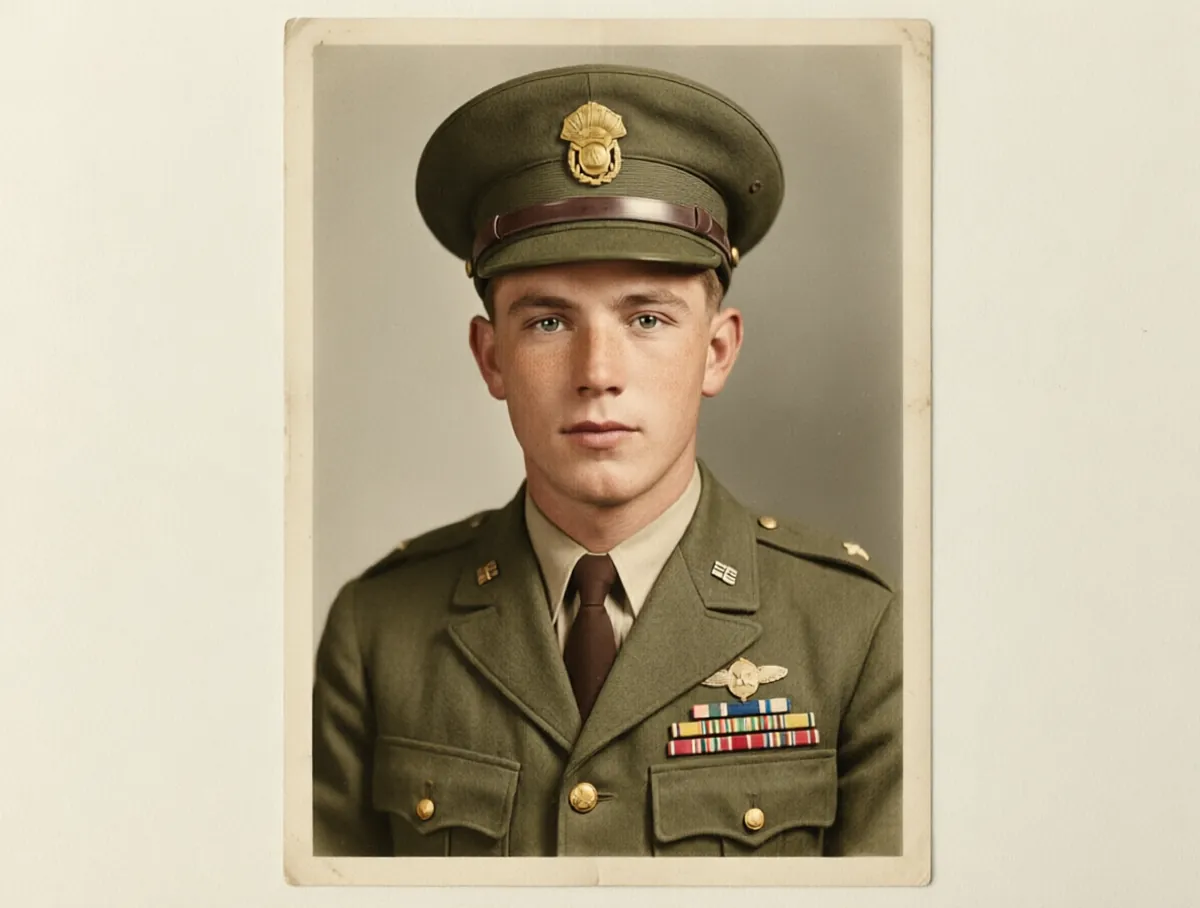
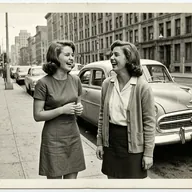
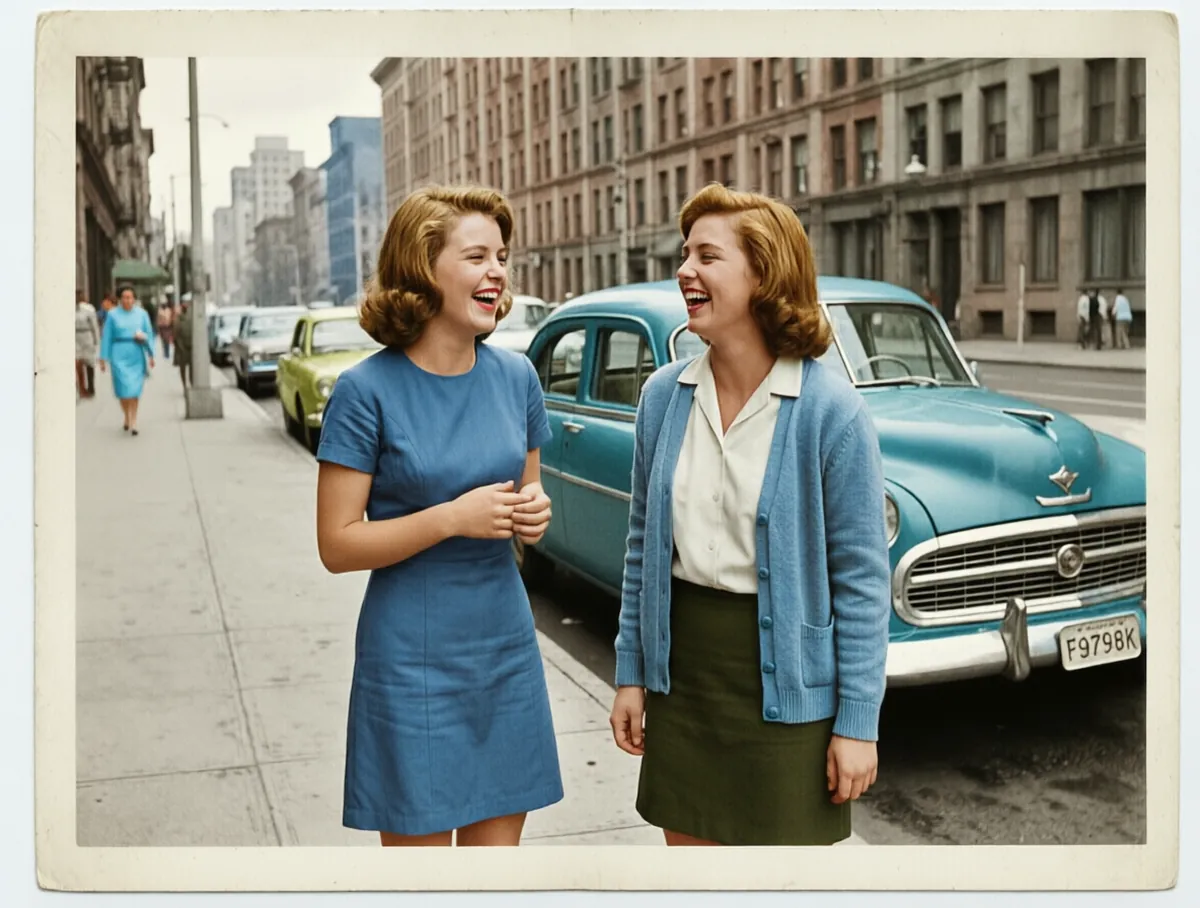
How to use the Colorize Black & White Photos
- Upload a black-and-white or sepia photo: a scan or a clear phone picture of the print.
- Choose a palette: natural and true to the era, vivid modern, warm vintage or muted pastel.
- Set a skin tone hint, or leave it on Auto.
- Pick the era the photo is from: 1900s, 1920s, 1940s, 1960s or 1980s.
- Run it on the free queue, or use credits to colourise it right away, and download the result.
What people use it for
Seeing ancestors in colour
Bring great-grandparents' portraits to life and see them as they would have looked in person.
Family history projects
Colourise photos for a family tree, a slideshow at a birthday or reunion, or a printed album.
History and education
Make historical scenes from your own collection easier to relate to for a class, talk or blog post.
Gifts
A colourised copy of a parent's childhood photo or a grandparent's wedding portrait makes a memorable present.
Tips for the best result
- Repair scratches and tears first with AI Old Photo Restoration; colour makes damage more visible, not less.
- Use the era setting. It changes the colours of clothes, cars and interiors far more than you might expect.
- If you know someone's colouring, set the skin tone hint rather than leaving it to guesswork.
- Choose "Natural, true to the era" for portraits and "Vivid modern" when you want a striking social post.
Frequently asked questions
Are the colours historically accurate?
They are a realistic estimate. A black-and-white photo does not record colour, so the AI chooses believable colours for the era you pick. Details you happen to know, such as eye colour or a dress colour, may come out differently.
Does it work on sepia or faded photos?
Yes. Sepia, faded and slightly yellowed prints are all treated as monochrome and colourised. Badly damaged photos give better results if restored first.
What does the era option change?
It tells the AI roughly when the photo was taken, so clothing, interiors, cars and film colour are coloured the way they would have looked at the time.
Is the Colorize Black & White Photos free?
Yes. Every account gets a daily allowance of free runs on the shared free queue, with no subscription. Free jobs run when our GPUs have spare capacity, so the wait can run to hours; the queue page shows your place in line. Credits run the same job immediately.
Will my result have a logo or text on it?
No. What you download is clean, whether it ran on the free queue or with credits.
Who owns the result, and can I use it commercially?
You own the images generated for you, under our Terms of Service, subject to the rights of anyone shown in the photos you upload. Only upload photos of people who have agreed to it.
What happens to the photos I upload?
They are used only to create your result, and uploads and results are deleted on the schedule set out in the Retention section of our Privacy Policy.