Passport-Style Photo Maker
Restyle a portrait with a plain background, even lighting and a centred, front-facing pose. Official requirements vary by country, so check them before submitting.
Free on the shared queue · No subscription · Nothing stamped on your result
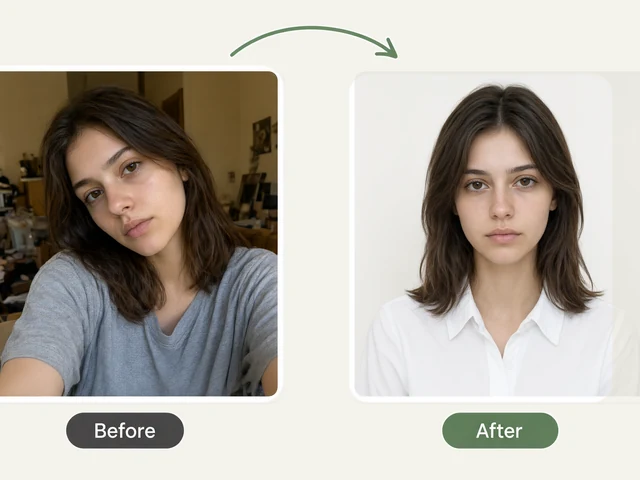
The Passport-Style Photo Maker turns an ordinary portrait into a photo laid out to passport rules: a plain background in the colour your country asks for, even lighting, a centred, front-facing head at the right size, and the exact pixel dimensions and file size the official guidance gives. Pick the country and its requirements appear right next to the upload.
It supports US, UK, Schengen/EU, Indian, Chinese, Canadian and Australian sizes. Some authorities reject any photo that has been digitally edited: the US State Department and Indian missions say so, and Canada does not accept edited photos at all. For those, use the tool to check your framing and prepare, then submit a fresh, unedited photo. Each country panel tells you which applies.
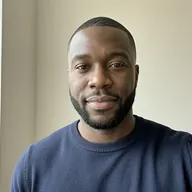
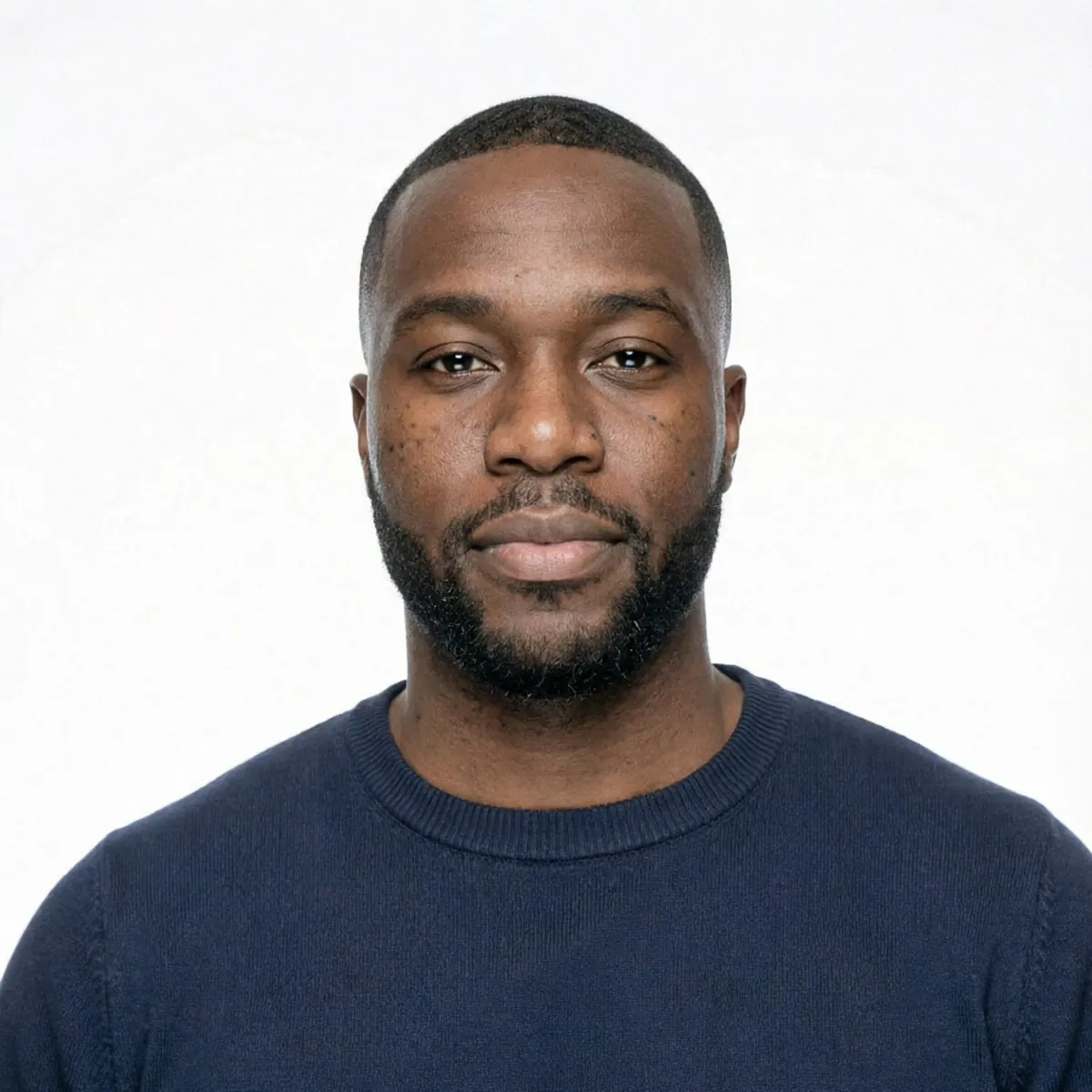
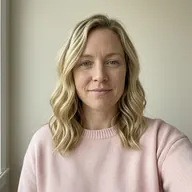
Passport-Style Photo Maker examples
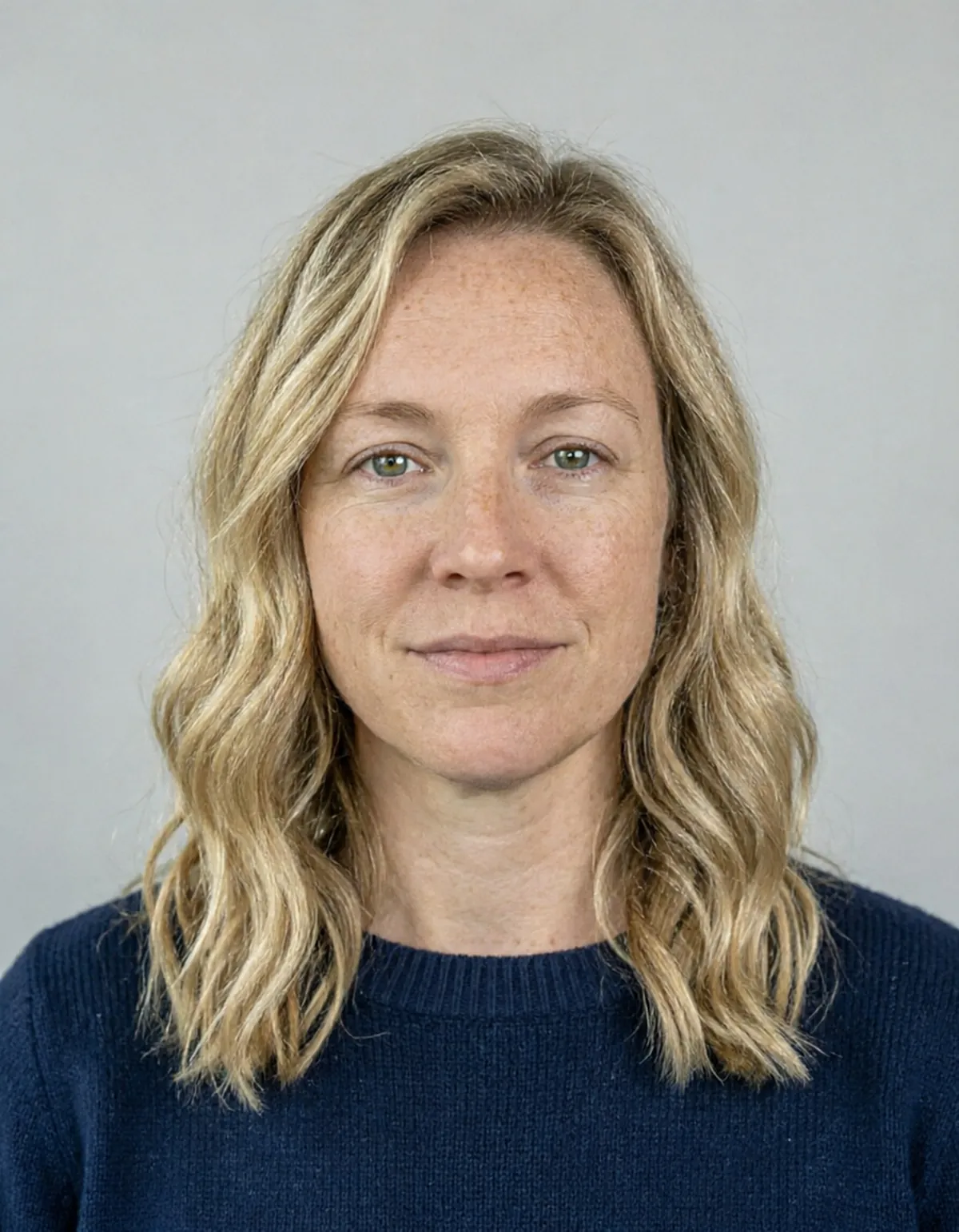
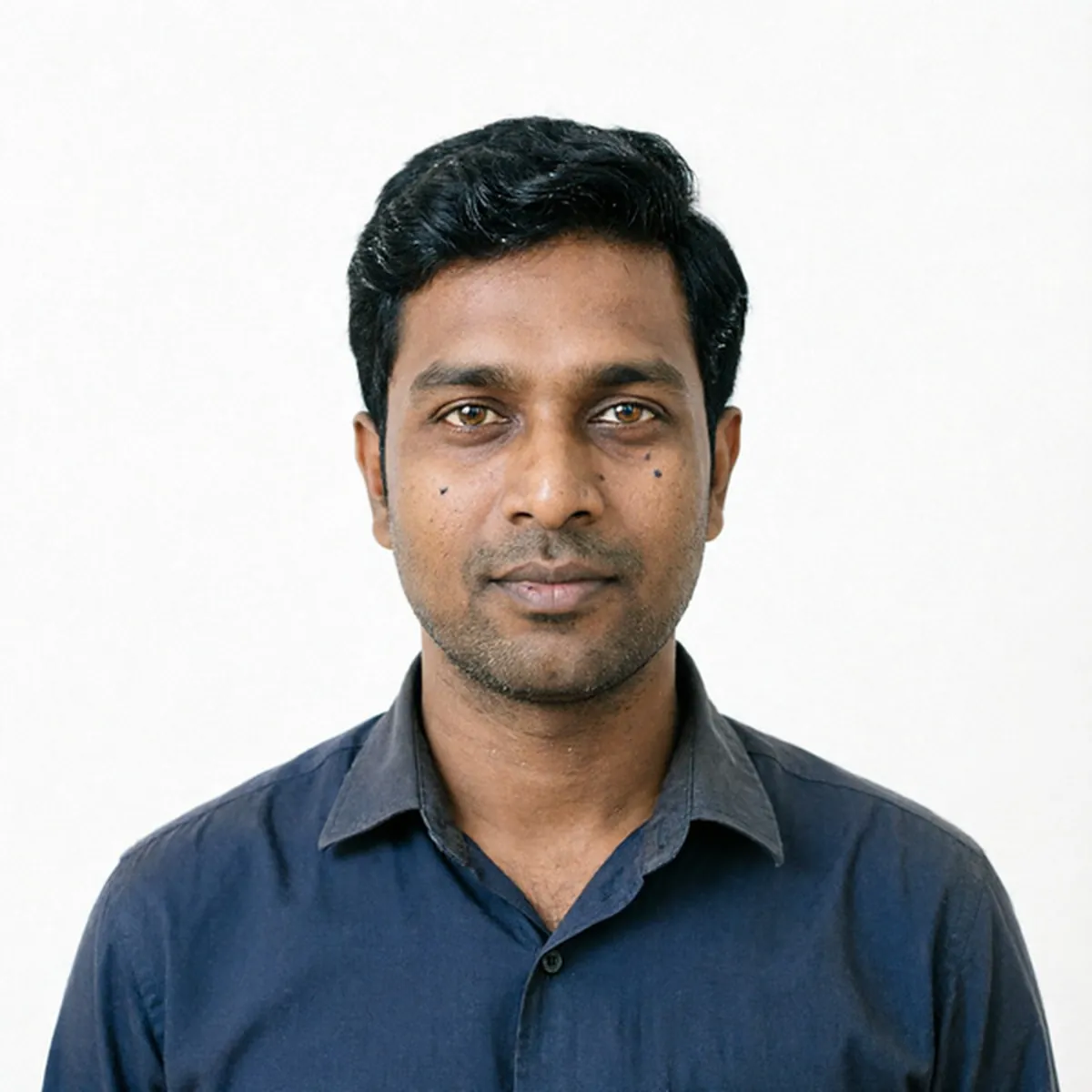
How to use the Passport-Style Photo Maker
- Choose the country: USA, UK, Schengen/EU, India, China, Canada or Australia. Its official requirements appear beside the upload.
- Take a photo with the in-browser camera or upload one: face the camera, neutral expression, eyes open, nothing covering your face.
- Pick a background, or leave it on "Country default" to use the colour that country accepts.
- Read the "Retake the photo if" list. Some problems, like glare on glasses or shadows across the face, cannot be fixed without changing your face.
- Run it, then download the photo at that country's exact size and file-size range.
What people use it for
Checking a photo before you submit
See whether your photo meets the size, background and head-position rules before you send an application or visit a photo booth.
Visa and ID applications
Prepare Schengen visa, ID card and similar photos at the right dimensions for an online form.
Online forms that need exact pixels
Get a JPEG at the precise size and KB range a portal asks for, such as India's 600 × 600 px at 20–100 KB.
Practising the pose at home
Use the camera and guidance to learn the right distance, lighting and expression before a real photo session.
Tips for the best result
- Stand about an arm's length from the camera, with your face lit evenly from the front; a window in daylight works well.
- Take glasses off unless your country allows them. The USA does not.
- Keep your hair off your face and your expression neutral, with your mouth closed.
- Check the country panel for whether edited photos are accepted before you submit the result anywhere official.
Frequently asked questions
Can I use this photo for my passport application?
It depends on the country. Some accept a compliant digital photo; the US and Indian authorities say retouched or enhanced photos may be rejected, and Canada rejects any edited photo, so the tool marks those as preview only. Check the country panel and the official source linked there.
Which countries are supported?
USA, UK, Schengen/EU, India, China, Canada and Australia. Each one outputs that country's photo size, pixel dimensions and accepted file-size range.
What background colour will I get?
By default the colour the country accepts, such as white for the USA and India, or light grey or cream for the UK. If you pick a colour the country does not accept, the tool uses an accepted one and tells you.
Is the Passport-Style Photo Maker free?
Yes. Every account gets a daily allowance of free runs on the shared free queue, with no subscription. Free jobs run when our GPUs have spare capacity, so the wait can run to hours; the queue page shows your place in line. Credits run the same job immediately.
Will my result have a logo or text on it?
No. What you download is clean, whether it ran on the free queue or with credits.
Who owns the result, and can I use it commercially?
You own the images generated for you, under our Terms of Service, subject to the rights of anyone shown in the photos you upload. Only upload photos of people who have agreed to it.
What happens to the photos I upload?
They are used only to create your result, and uploads and results are deleted on the schedule set out in the Retention section of our Privacy Policy.