1980s AI Photo Generator
Travel back to the 1980s: big hair, bold styling and real film grain, applied to your own photo.
Free on the shared queue · No subscription · Nothing stamped on your result
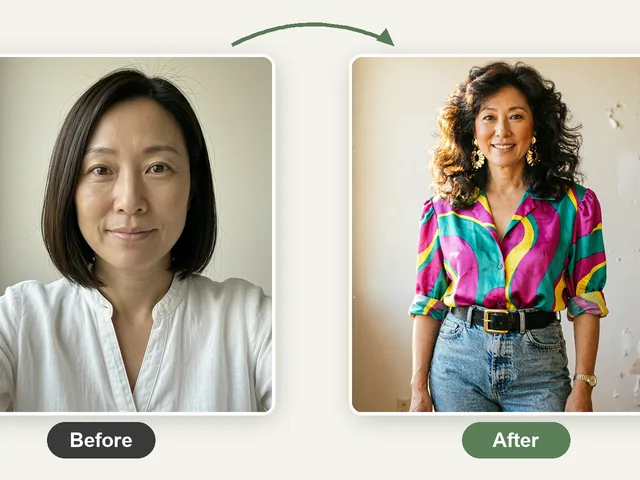
The 80s Portrait Generator turns your photo into an authentic-looking 1980s portrait: big hair, bold colours and styling, soft studio lighting, and real film grain and colour, so it looks like a print from a 1980s photo studio rather than a modern filter.
There are two ways to run it. Normal Flow applies a carefully tuned 80s studio-portrait look and runs on the free queue. Advance Flow uses premium credits: it first analyses your photo and writes a look tailored to it, matching the hair, outfit and setting to you.
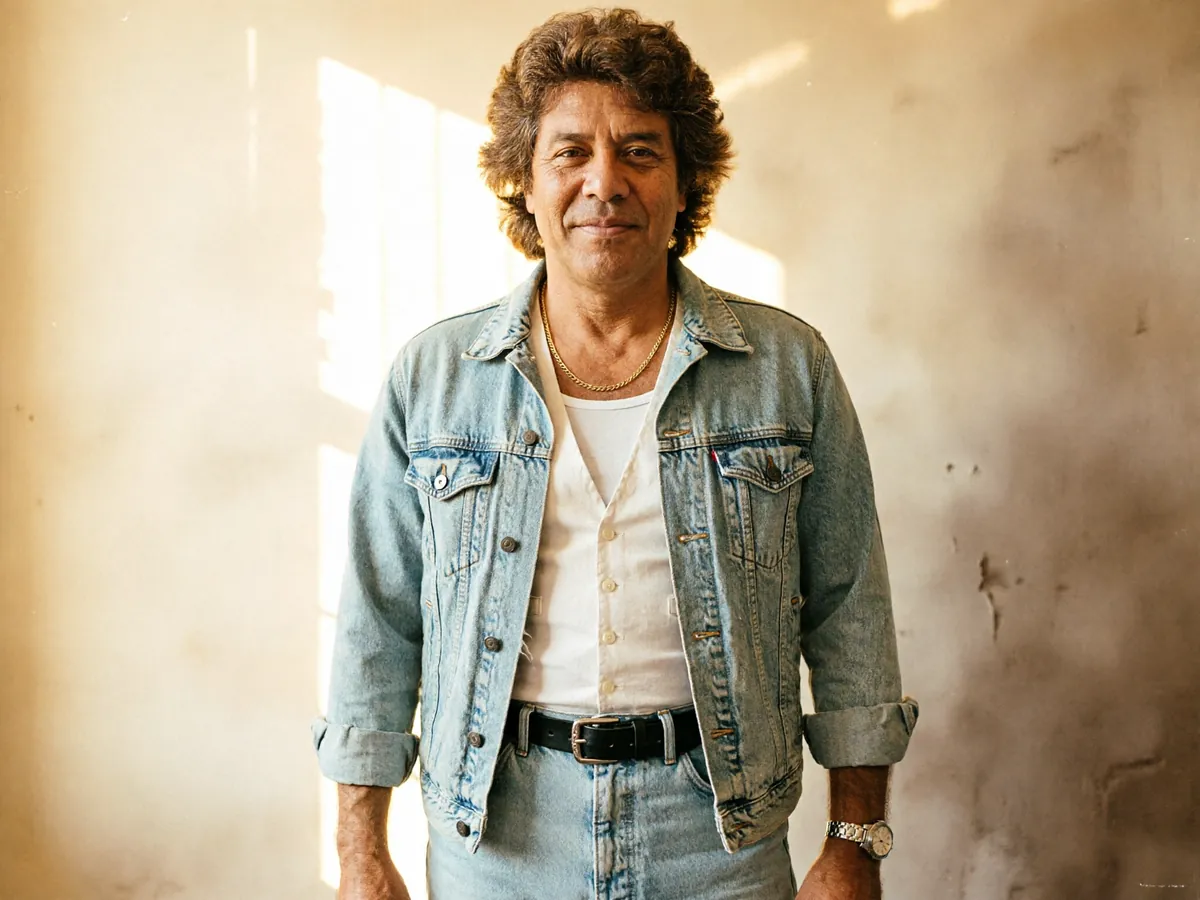
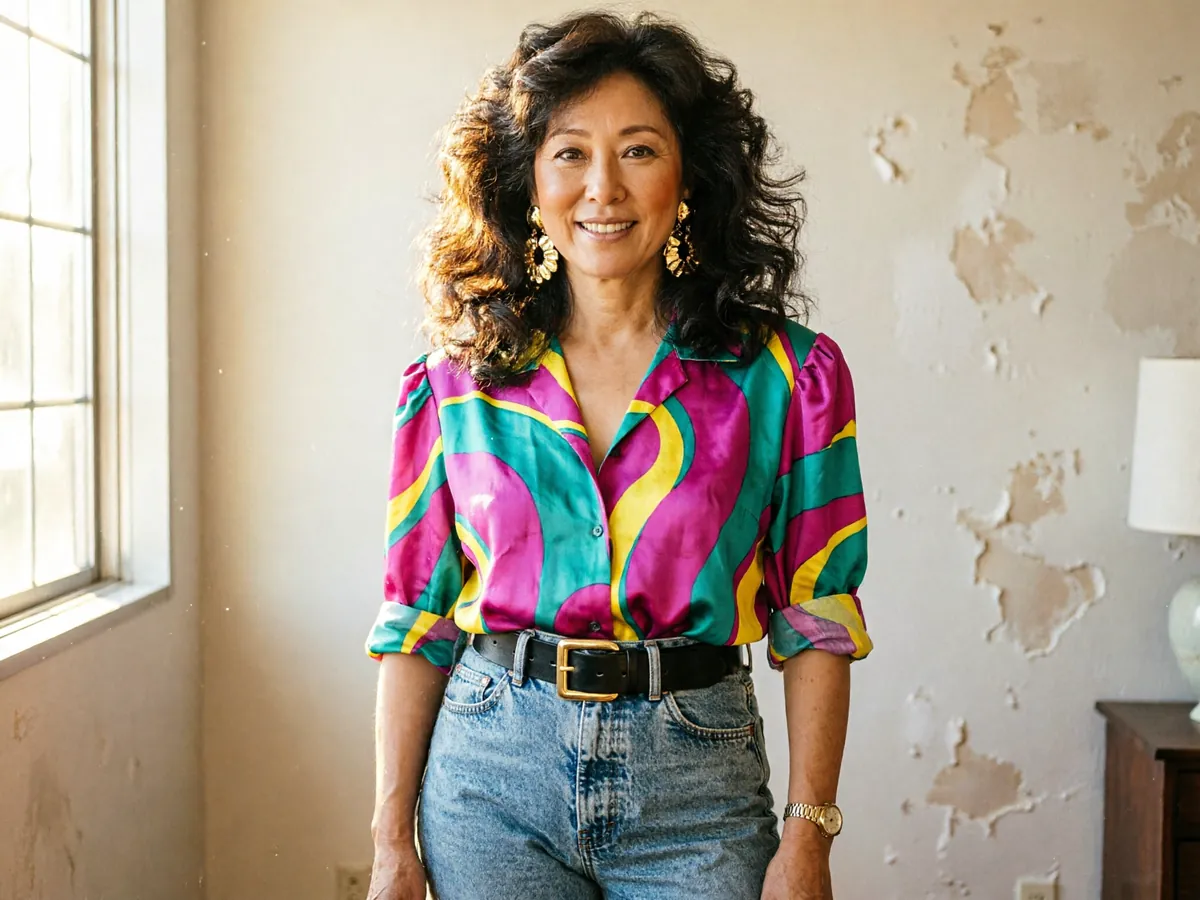
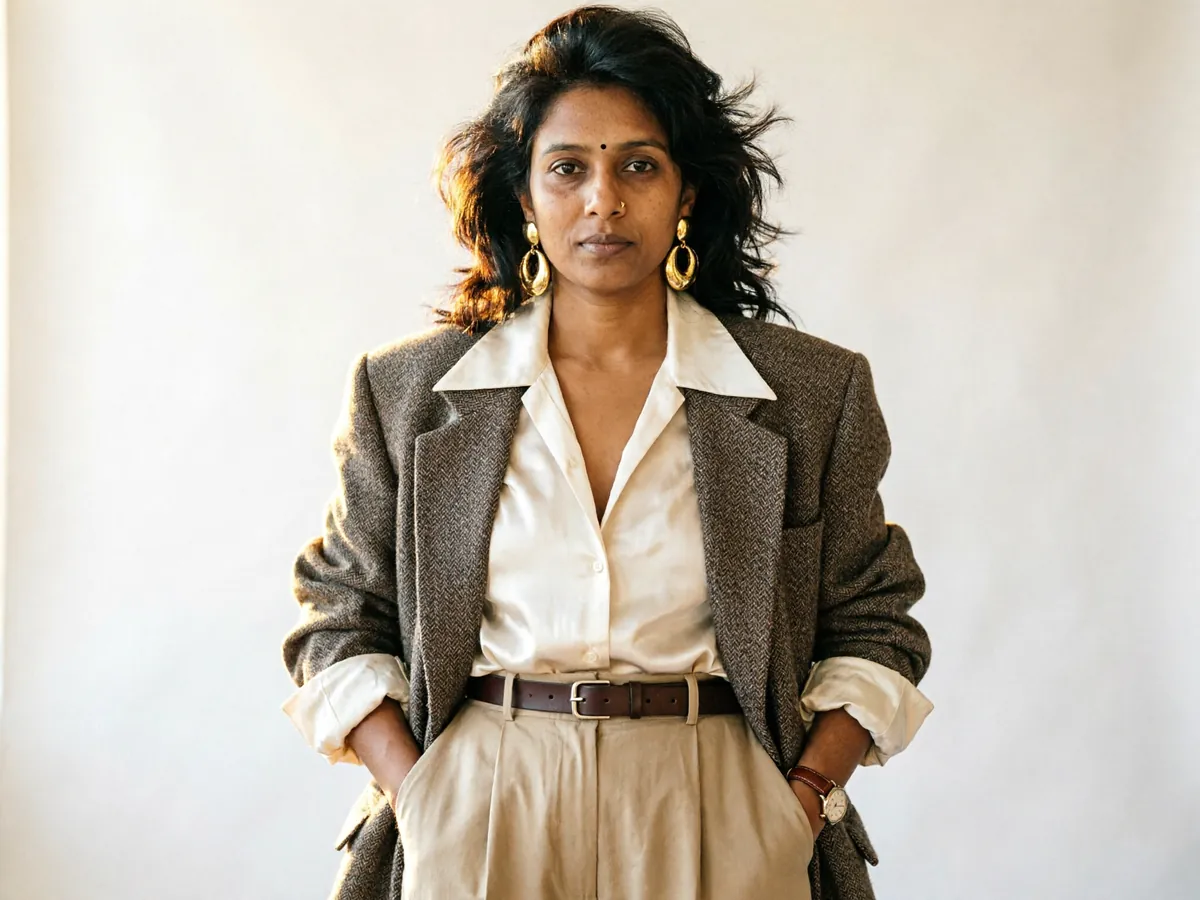
1980s AI Photo Generator examples


How to use the 1980s AI Photo Generator
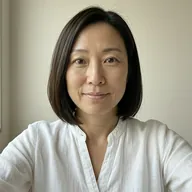
- Upload a clear photo of yourself, ideally head-and-shoulders and facing the camera.
- Choose Normal Flow for the standard 80s studio look, or Advance Flow (premium credits) for a look tailored to your photo.
- Run Normal Flow on the free queue, or either mode with credits for an instant result.
- Download your 80s portrait.
What people use it for
The 80s photo trend
Join the 1980s portrait trend on TikTok and Instagram with a result that looks like a real old print.
80s theme parties
Make portraits of the guests for invitations, a photo wall or name cards.
Birthdays and milestones
Turn a friend turning 40 or 50 into a 1980s studio portrait for a card or slideshow.
Album and playlist art
Use a retro portrait as cover art for a synthwave playlist or a band post.
Tips for the best result
- A plain, well-lit selfie gives the cleanest result; busy backgrounds are replaced anyway.
- Face the camera. The classic studio look is a front-on portrait.
- Try Advance Flow if Normal Flow looks too generic for you; it builds the look around your actual features and style.
- Pair it with the AI Yearbook & Y2K Photo Generator for an 80s-to-2000s set.
Frequently asked questions
What is the difference between Normal Flow and Advance Flow?
Normal Flow applies a fixed, tuned 1980s studio look and runs on the free queue. Advance Flow uses premium credits: it analyses your photo first and writes an 80s look specific to you.
Does it add real film grain?
Yes. The result is made to look like a 1980s film print, with grain, softer focus and period colour, not a modern filter.
Can I do this for a friend?
Yes, as long as they have agreed to their photo being used.
Is the 1980s AI Photo Generator free?
Yes. Every account gets a daily allowance of free runs on the shared free queue, with no subscription. Free jobs run when our GPUs have spare capacity, so the wait can run to hours; the queue page shows your place in line. Credits run the same job immediately.
Will my result have a logo or text on it?
No. What you download is clean, whether it ran on the free queue or with credits.
Who owns the result, and can I use it commercially?
You own the images generated for you, under our Terms of Service, subject to the rights of anyone shown in the photos you upload. Only upload photos of people who have agreed to it.
What happens to the photos I upload?
They are used only to create your result, and uploads and results are deleted on the schedule set out in the Retention section of our Privacy Policy.