AI Headshot Generator
Upload a clear selfie and get a polished, professional headshot — studio lighting, business attire and clean backgrounds — while keeping your face recognisably you.
Free on the shared queue · No subscription · Nothing stamped on your result
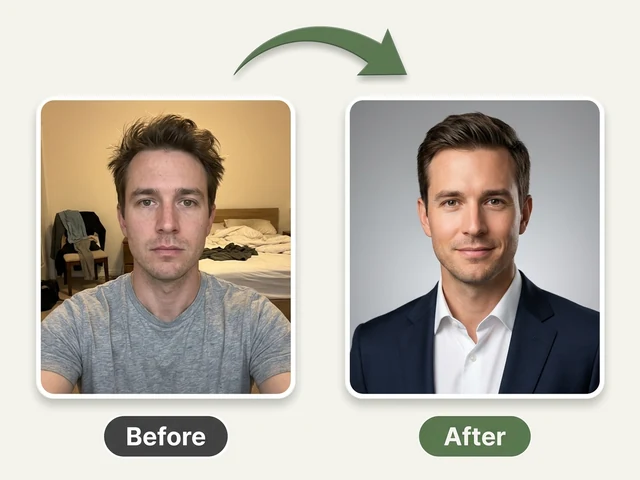
The AI Headshot Generator turns an ordinary selfie into a professional headshot: framed from the shoulders up, with studio-quality light, a clean background and the clothes you choose. It is built for the photo you need by Monday and do not want to book a photographer for, such as a LinkedIn profile, a CV, a company team page or a speaker bio.
Your face is kept as it is. The AI changes the lighting, outfit, background, pose and expression you pick, but it is told not to reshape or beautify your features, so the result still looks like you on a good day rather than a stranger with your hair.
AI Headshot Generator examples
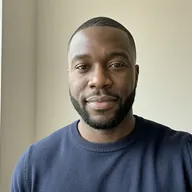
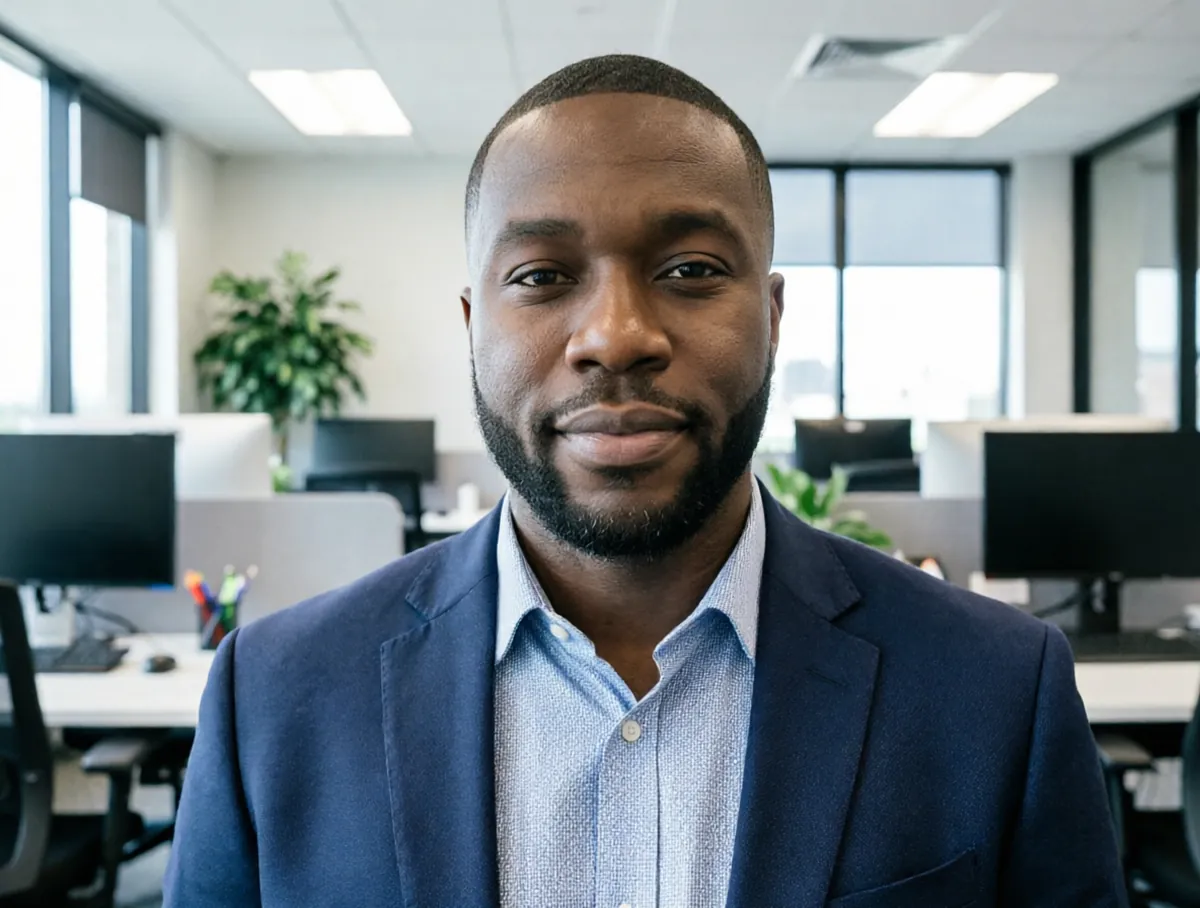
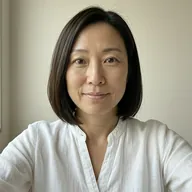
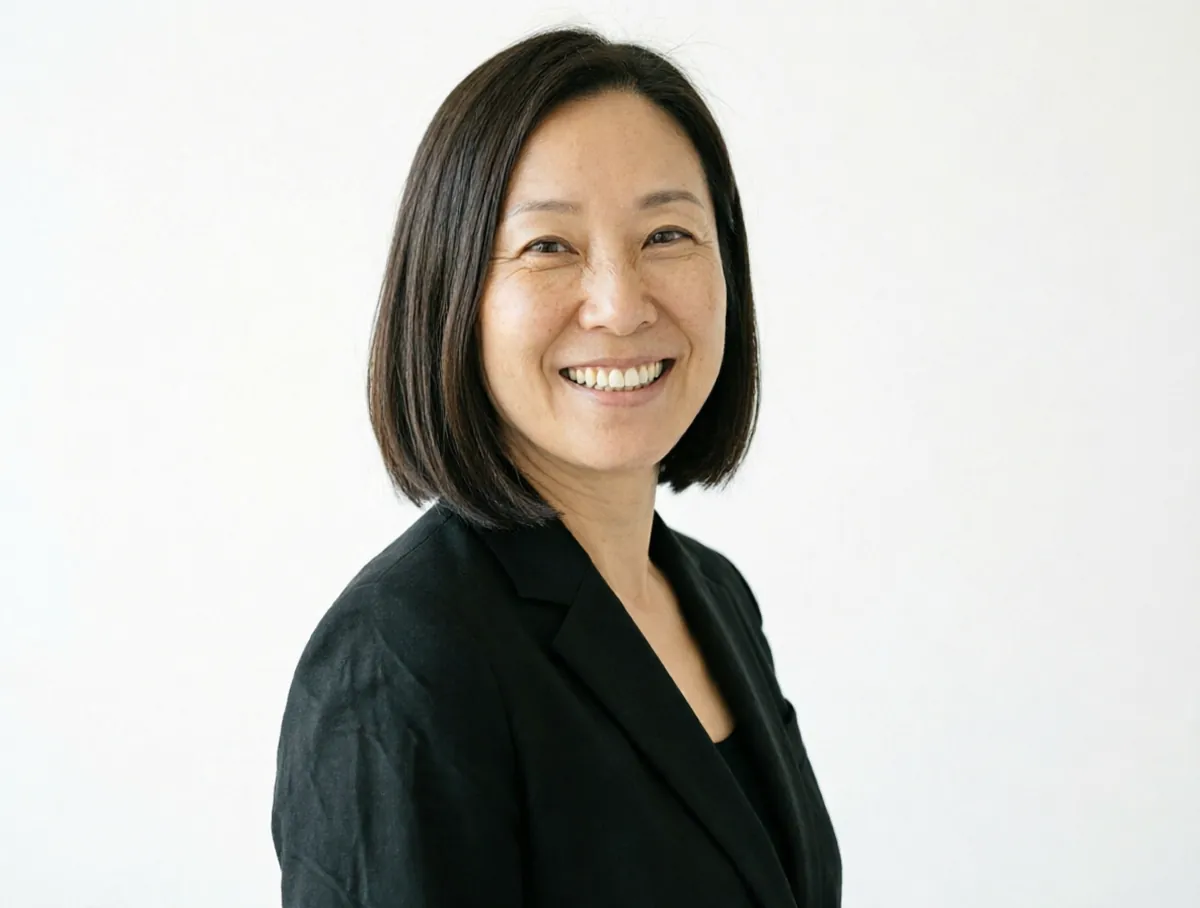
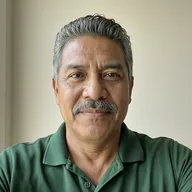
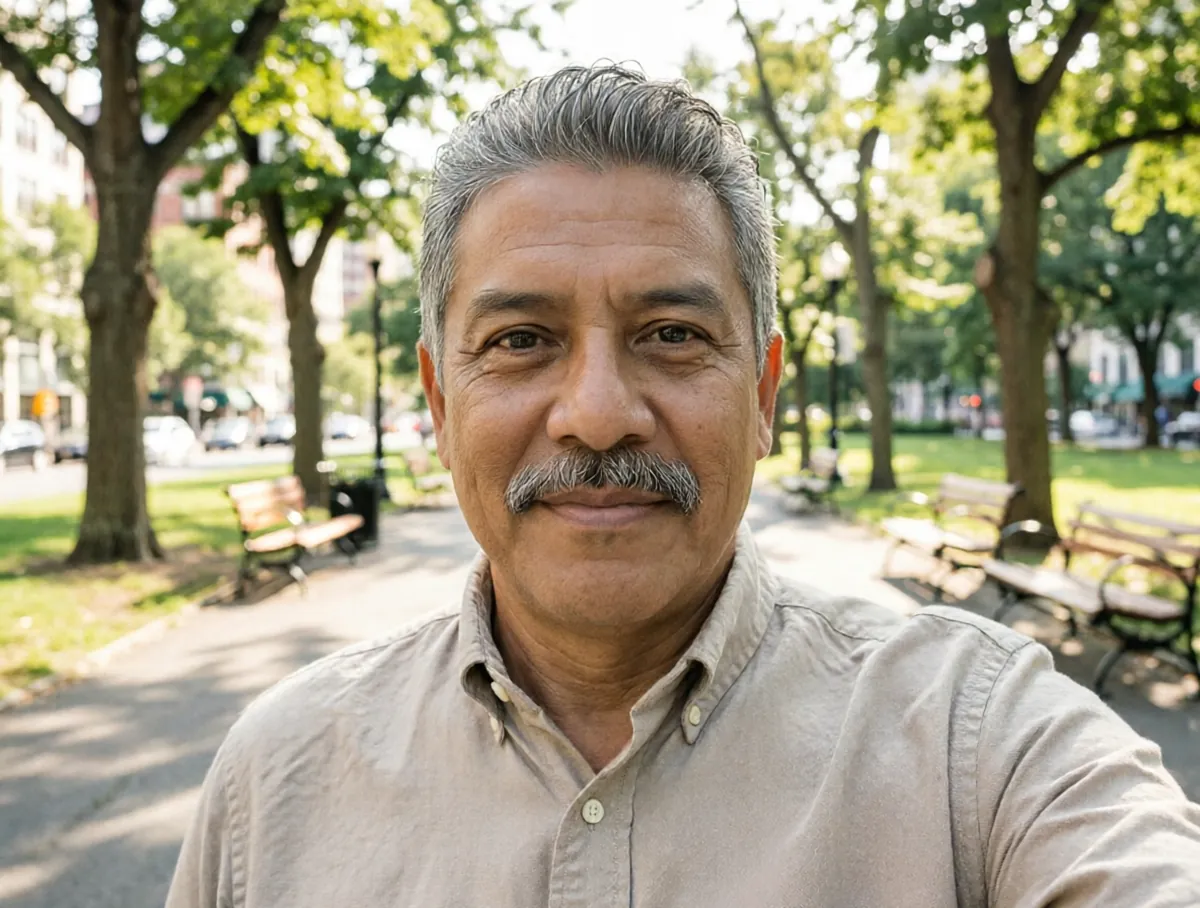
How to use the AI Headshot Generator
- Upload a clear, well-lit selfie or photo where your face is easy to see.
- Choose man or woman so the outfit and framing suit you.
- Pick a ready-made look (Office, Black suit, City park, Coffee shop, Beach or Gym), or set the options yourself.
- Fine-tune the outfit, background, hairstyle, expression and pose, from business professional to casual and from front-facing to a three-quarter view.
- Run it on the free queue, or use credits to get the headshot straight away, then download it.
What people use it for
LinkedIn and job applications
A business-professional headshot with an office or plain studio background is what recruiters expect to see.
Company team pages
Give everyone on the team the same background and framing so the page looks consistent, even if the photos came from different phones.
Speaker bios and press kits
A crisp, well-lit portrait for a conference programme, a podcast page or an author bio.
Freelancer and creator profiles
A friendlier, outdoor or coffee-shop look for Upwork, Fiverr, Instagram or a personal website.
Dating and social profiles
A natural, smiling headshot that is still clearly you, without hiring a photographer.
Tips for the best result
- Face the light. A window in front of you gives the AI much more to work with than a lamp behind you.
- Use a photo where your face fills a good part of the frame; group shots and distant photos lose detail.
- Take off sunglasses and keep hair out of your eyes. The AI keeps your real features, so it needs to see them.
- Try two or three backgrounds. Office and plain studio backgrounds suit corporate profiles; city park and coffee shop feel more approachable.
Frequently asked questions
Will the headshot still look like me?
That is the aim. The AI is told to keep your face shape, eyes, nose, lips and jawline exactly as they are and to change only the lighting, outfit, background, pose and expression you pick.
Can I use it on LinkedIn or my CV?
Yes. You own the image, and a professional headshot is exactly what it is made for. Some employers and official documents ask for an unedited photo; for a passport or ID, use the Passport Photo Maker and check the official rules.
What outfits and backgrounds can I choose?
Outfits include business professional, black suit, shirt, casual, saree, one-piece dress and gym wear. Backgrounds include office, plain studio white or grey, city park, city skyline, coffee shop, beach, forest and a solid colour.
Is the AI Headshot Generator free?
Yes. Every account gets a daily allowance of free runs on the shared free queue, with no subscription. Free jobs run when our GPUs have spare capacity, so the wait can run to hours; the queue page shows your place in line. Credits run the same job immediately.
Will my result have a logo or text on it?
No. What you download is clean, whether it ran on the free queue or with credits.
Who owns the result, and can I use it commercially?
You own the images generated for you, under our Terms of Service, subject to the rights of anyone shown in the photos you upload. Only upload photos of people who have agreed to it.
What happens to the photos I upload?
They are used only to create your result, and uploads and results are deleted on the schedule set out in the Retention section of our Privacy Policy.