AI Face Swap
Move a face from one photo onto another, with lighting and skin tone matched to the target image.
Runs on credits · Results straight away · Nothing stamped on your result
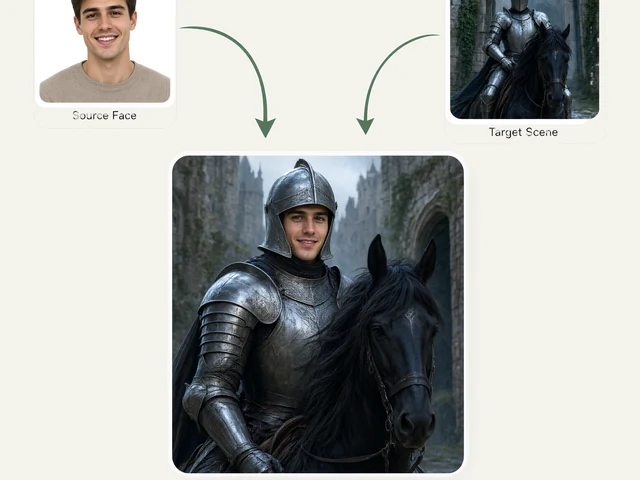
AI Face Swap puts the face from one photo onto the person in another. You upload two pictures: the photo you want to change, whose body, pose, clothes and background stay exactly as they are, and a photo of the face to put on it. The result looks like one real, unedited photograph.
A face swap only looks right when the new face takes on the light of the photo it lands in. So the swapped face is matched to the target photo's skin tone, light direction and colour, and the original hair and hairline are kept, so there is no visible seam at the jaw or forehead.
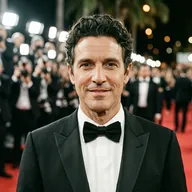
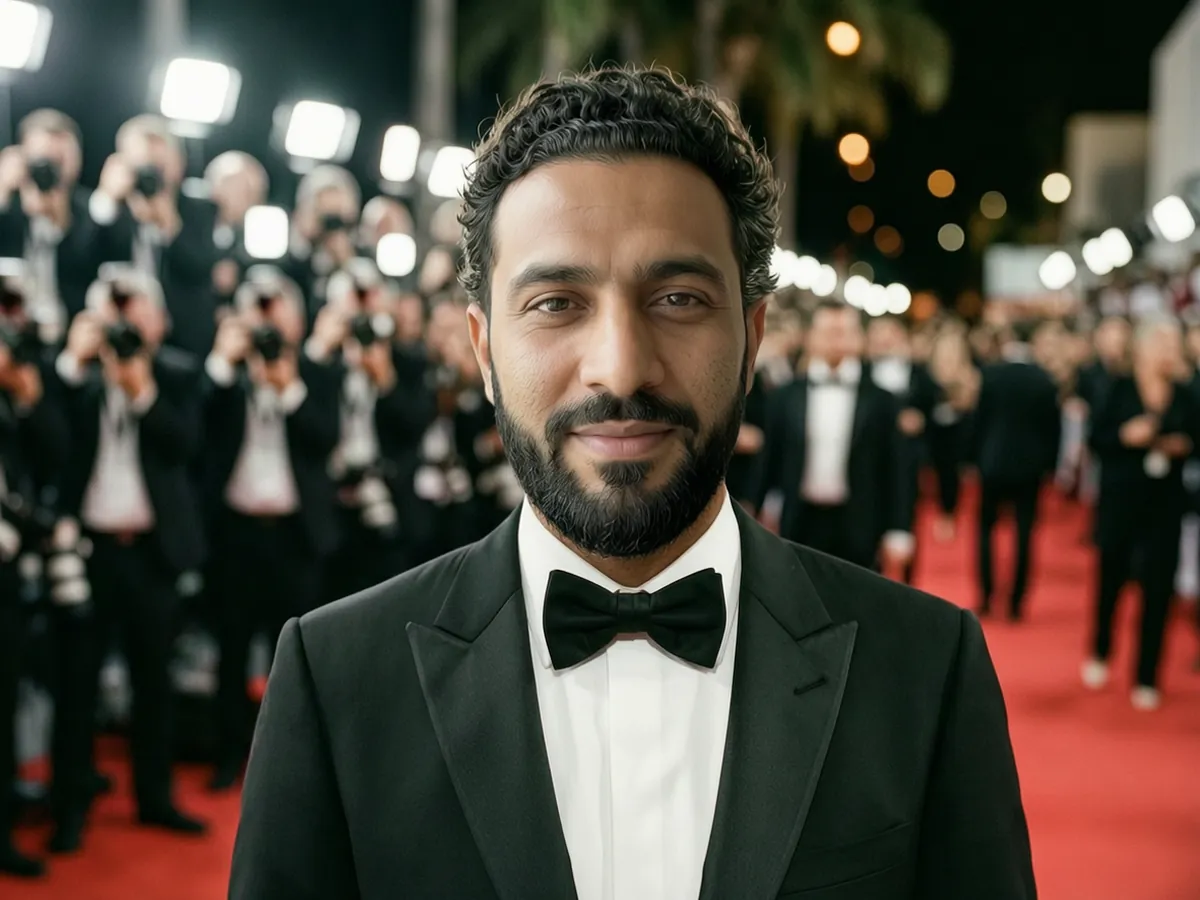
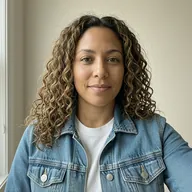
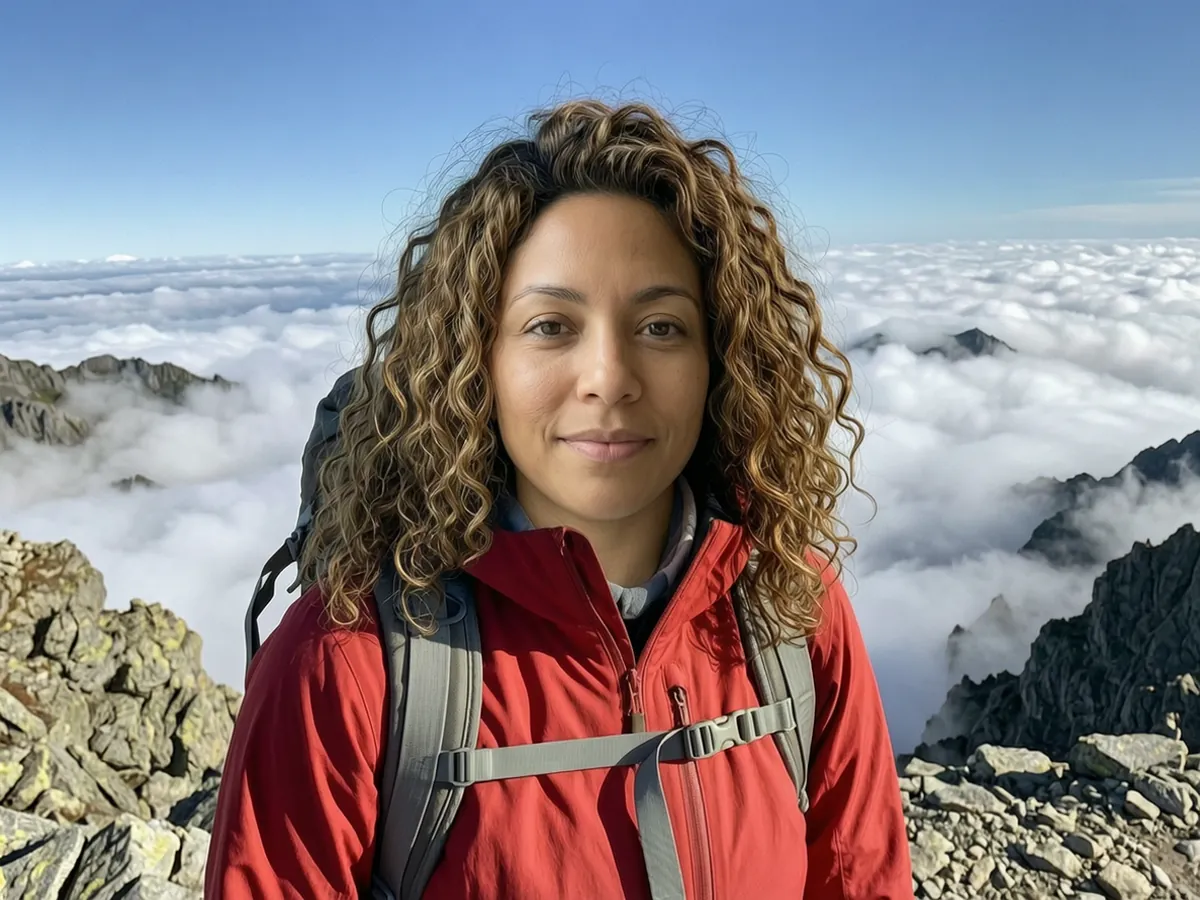
AI Face Swap examples





How to use the AI Face Swap
- Upload the photo to change: the body, pose, outfit and background you want to keep.
- Upload a clear photo of the face to put on it, ideally facing the camera.
- Tick the box to confirm you have the consent of the people in the photos.
- Run it with credits; face swap is not on the free queue.
- Download the result.
What people use it for
Costume and character photos
Put your face on a photo of an astronaut, a superhero costume or a period outfit for a party invite or a laugh.
Fixing a group photo
Swap in a better shot of someone's face from another photo taken the same day, when they blinked in the best one.
Mock-ups and concepts
Preview how a look, a role or an outfit would suit someone before a shoot.
Fun with friends
Swap faces between friends, with their agreement, for a group chat or a birthday post.
Tips for the best result
- Use a face photo where the face is large, sharp and facing the camera; side profiles swap poorly.
- Pick a target photo where the head is a similar angle and size to the face photo.
- Similar lighting in the two photos helps, although the tool matches skin tone and light for you.
- Only swap faces of people who have agreed, and never use it to mislead, impersonate or embarrass someone.
Frequently asked questions
Which photo keeps its body and background?
The first one, the photo you want to change. Only the face comes from the second photo; the hair, clothes, pose and setting all stay as they are in the first.
Do I need permission from the people in the photos?
Yes. You have to confirm you have the consent of everyone shown before the swap runs. Do not use face swap to impersonate someone, mislead people or make content about someone without their agreement.
Why is face swap credits-only?
Face swap is the easiest tool to misuse, so every swap runs on credits and is tied to an account instead of running on the anonymous free queue. The upside is that the result comes back straight away.
Is the AI Face Swap free?
Not on the free queue. AI Face Swap runs on credits only, and the result comes back straight away. New accounts get 25 free credits with no card required, enough for several swaps at the standard size, and the price is shown on the button before anything runs.
Will my result have a logo or text on it?
No. What you download is clean, whether it ran on the free queue or with credits.
Who owns the result, and can I use it commercially?
You own the images generated for you, under our Terms of Service, subject to the rights of anyone shown in the photos you upload. Only upload photos of people who have agreed to it.
What happens to the photos I upload?
They are used only to create your result, and uploads and results are deleted on the schedule set out in the Retention section of our Privacy Policy.