AI Hug Generator
Bring two people together in one photo sharing a hug — even if they have never been in the same place.
Free on the shared queue · No subscription · Nothing stamped on your result
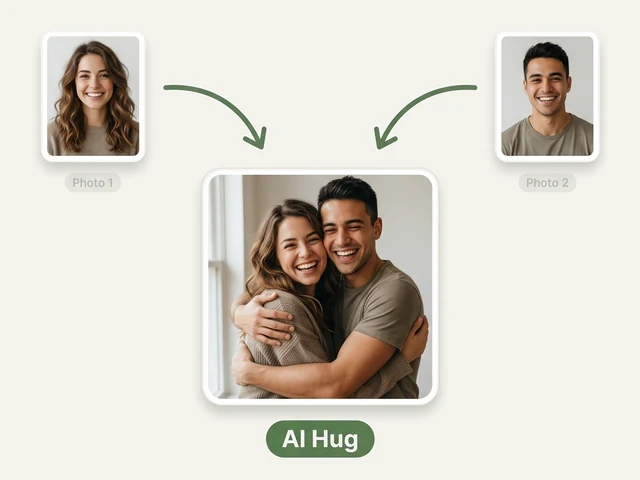
The AI Hug Photo Generator takes two separate pictures — one of each person — and creates a single, natural-looking photo of the two of them sharing a hug. It is built for the people who cannot easily be photographed together: friends in different countries, a grandparent who lives far away, a partner on the other side of a long-distance relationship, or someone you miss.
You choose how they hug, where the photo is set, and who is in it, so the result looks like a moment you could have captured rather than two cut-outs pasted side by side. Faces, hair and clothing come from your own photos; the pose, lighting and background are generated to match.
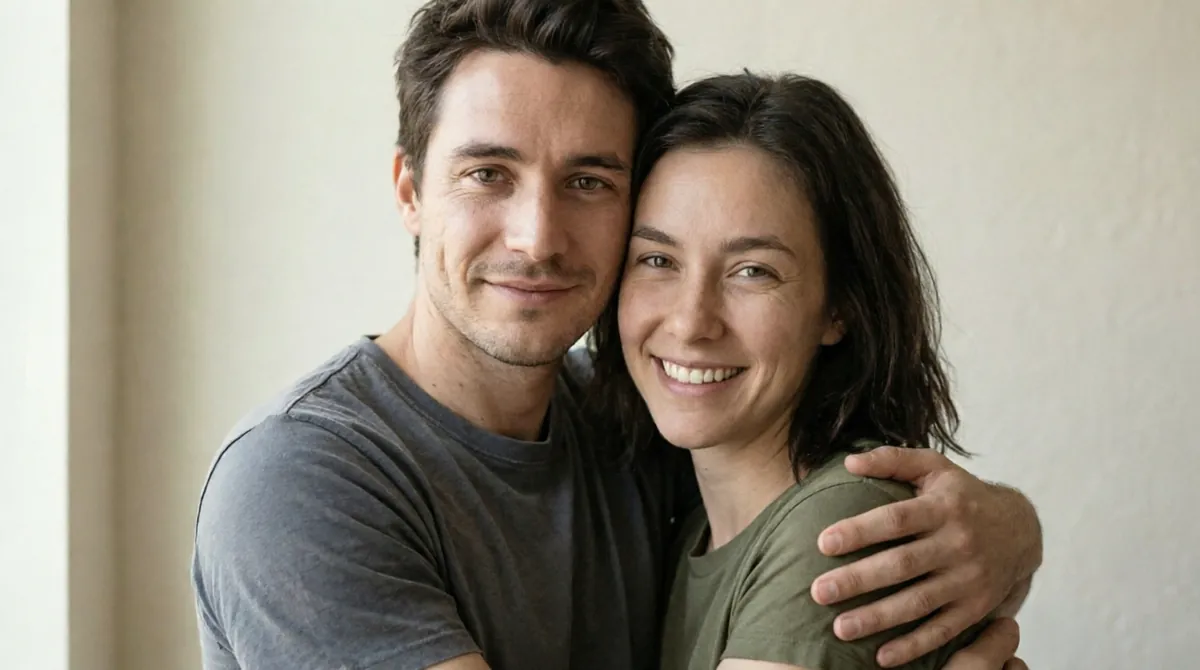
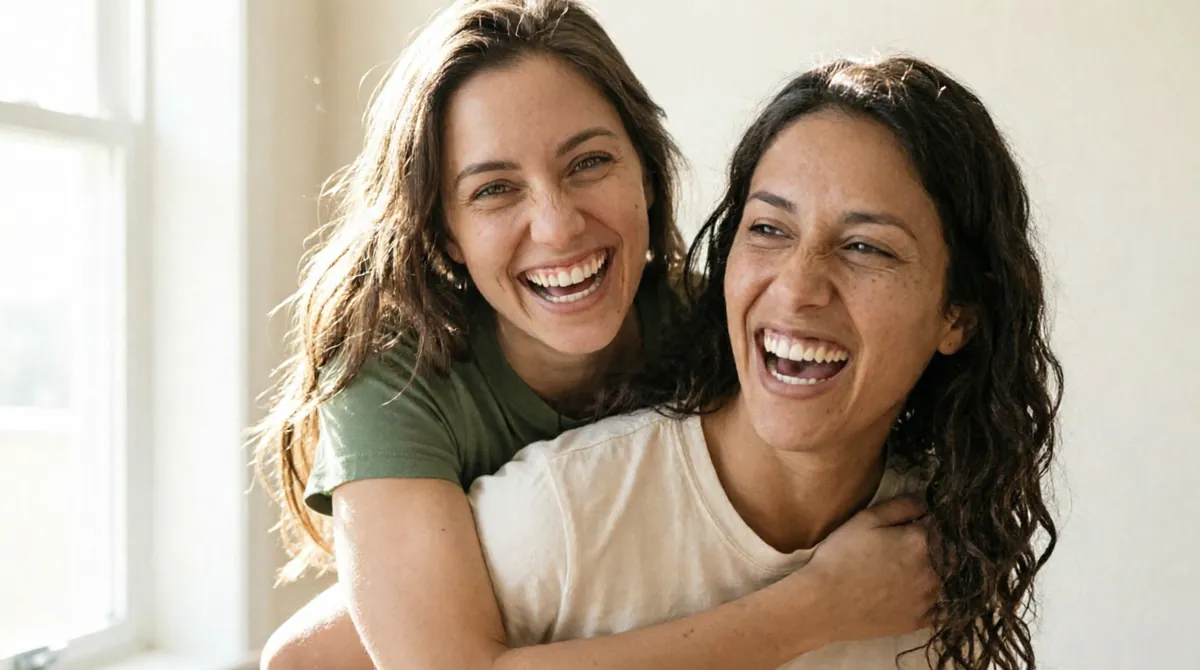
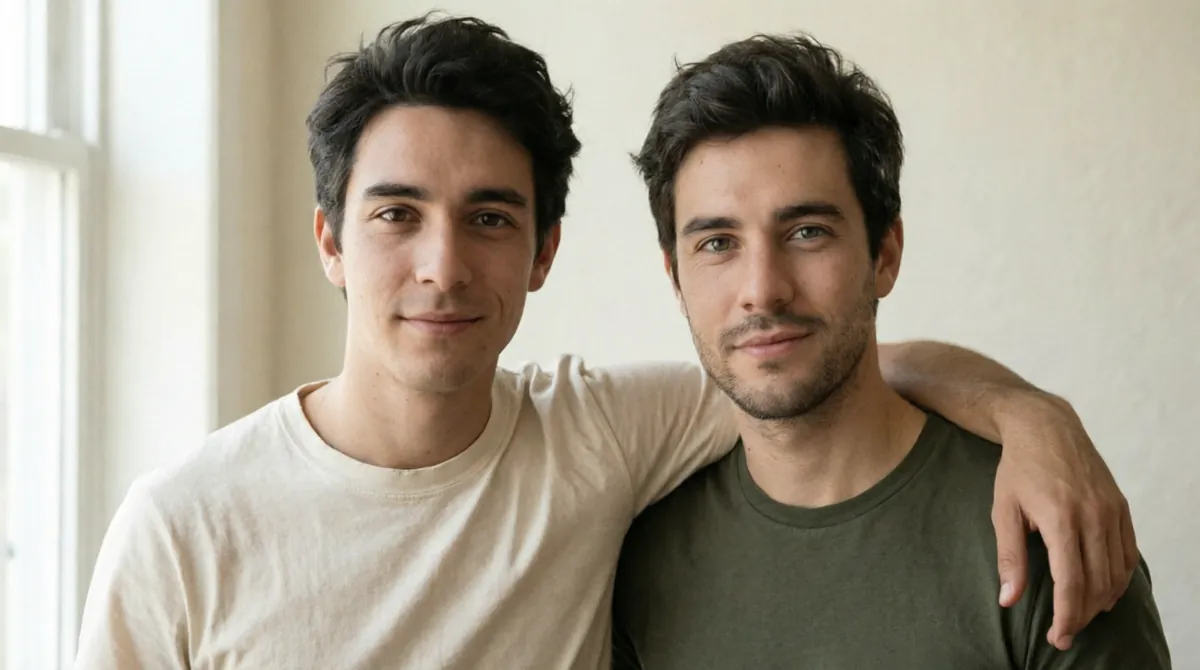
AI Hug Generator examples






How to use the AI Hug Generator
- Upload a clear photo of the first person, then a photo of the second person.
- Pick the pairing — two women, two men, or a woman and a man — so both people keep the right build and features.
- Choose a hug style: warm hug, arm around the shoulder, side by side, forehead touch or piggyback.
- Pick a background, such as a city park, the beach, a coffee shop or a plain studio backdrop.
- Send it to the free queue, or use credits to get the photo immediately, then download it.
What people use it for
Long-distance friends and couples
Make the photo you would have taken if you were in the same city — for an anniversary, a birthday message or a phone wallpaper.
Family members who live apart
Put grandparents and grandchildren, or siblings on different continents, in one warm picture for a card or a frame.
Remembering someone
Create a gentle keepsake image with a loved one who has passed away, using a favourite photo of them.
Social posts and greetings
A side-by-side or arm-around-the-shoulder shot works well for friendship day, reunions and "miss you" posts.
Fun with friends
Try the piggyback style for something playful to drop in the group chat.
Tips for the best result
- Use photos where each face is clearly visible, well lit and looking roughly towards the camera.
- Head-and-shoulders or waist-up photos work better than full-length shots taken from far away.
- Avoid sunglasses, hands over the face and heavy filters — the AI needs to see the real features.
- If the two photos have very different lighting, a studio or neutral background usually blends best.
Frequently asked questions
Do the two people need to be in the same photo?
No. That is the point of the tool: upload one photo of each person, taken anywhere and at any time, and they are placed together in a new scene.
Is this a video or a photo?
The AI Hug generator makes a still photo. For a short moving clip of two people, use the AI Kiss Video Generator or Image to Video on the result.
Why does the pairing option matter?
Telling the AI whether the photo shows two women, two men, or a woman and a man stops it from changing anyone's build or features to fit a default couple.
Is the AI Hug Generator free?
Yes. Every account gets a daily allowance of free runs on the shared free queue, with no subscription. Free jobs run when our GPUs have spare capacity, so the wait can run to hours; the queue page shows your place in line. Credits run the same job immediately.
Will my result have a logo or text on it?
No. What you download is clean, whether it ran on the free queue or with credits.
Who owns the result, and can I use it commercially?
You own the images generated for you, under our Terms of Service, subject to the rights of anyone shown in the photos you upload. Only upload photos of people who have agreed to it.
What happens to the photos I upload?
They are used only to create your result, and uploads and results are deleted on the schedule set out in the Retention section of our Privacy Policy.