AI Wedding Photo Generator
Place a couple in a wedding or proposal scene — from a mandap to a beach ceremony — using a photo of each person.
Free on the shared queue · No subscription · Nothing stamped on your result
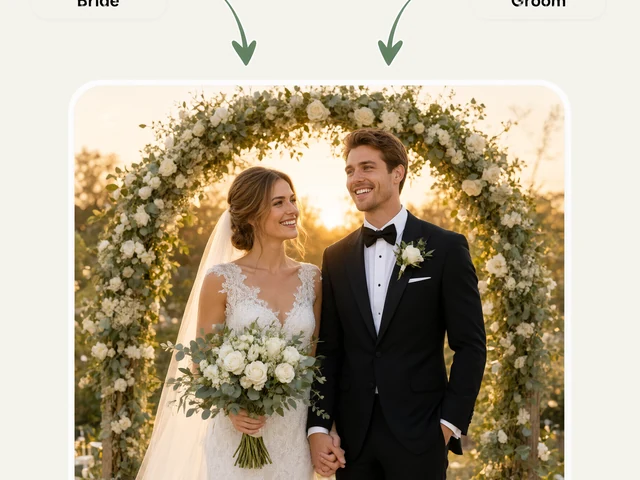
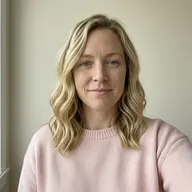
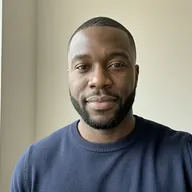
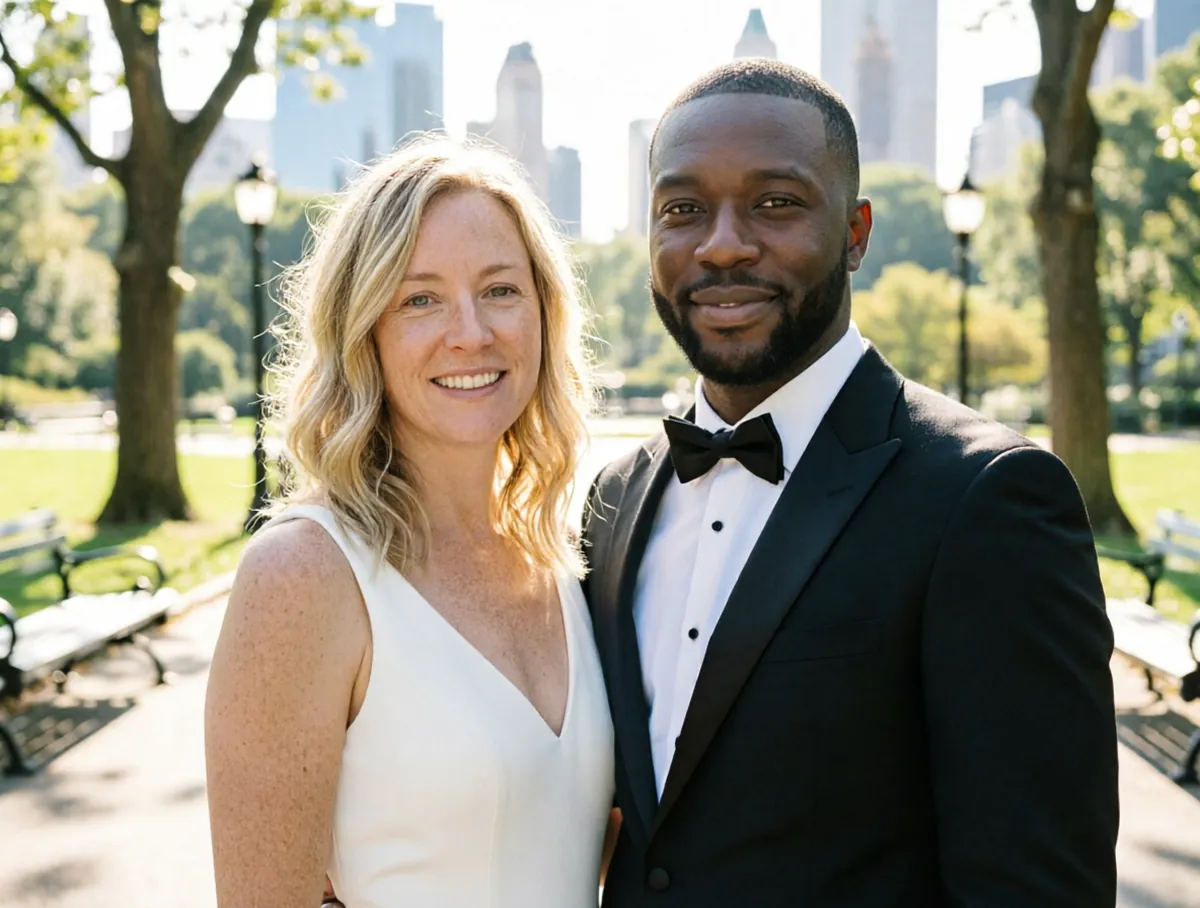
The AI Wedding Photo Generator places a couple into a wedding or proposal scene using one photo of each person. Choose a church aisle, a beach ceremony, a garden reception, a first dance, an Indian mandap or a proposal on one knee, and the AI creates a photo of the two of you in that moment.
Attire and setting are yours to choose — western formal, Indian traditional, beach casual or modern minimalist — so you can preview a look, celebrate an anniversary, or make the wedding photo you never got to take.
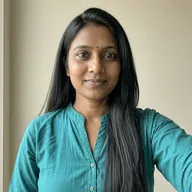
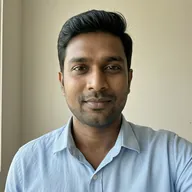
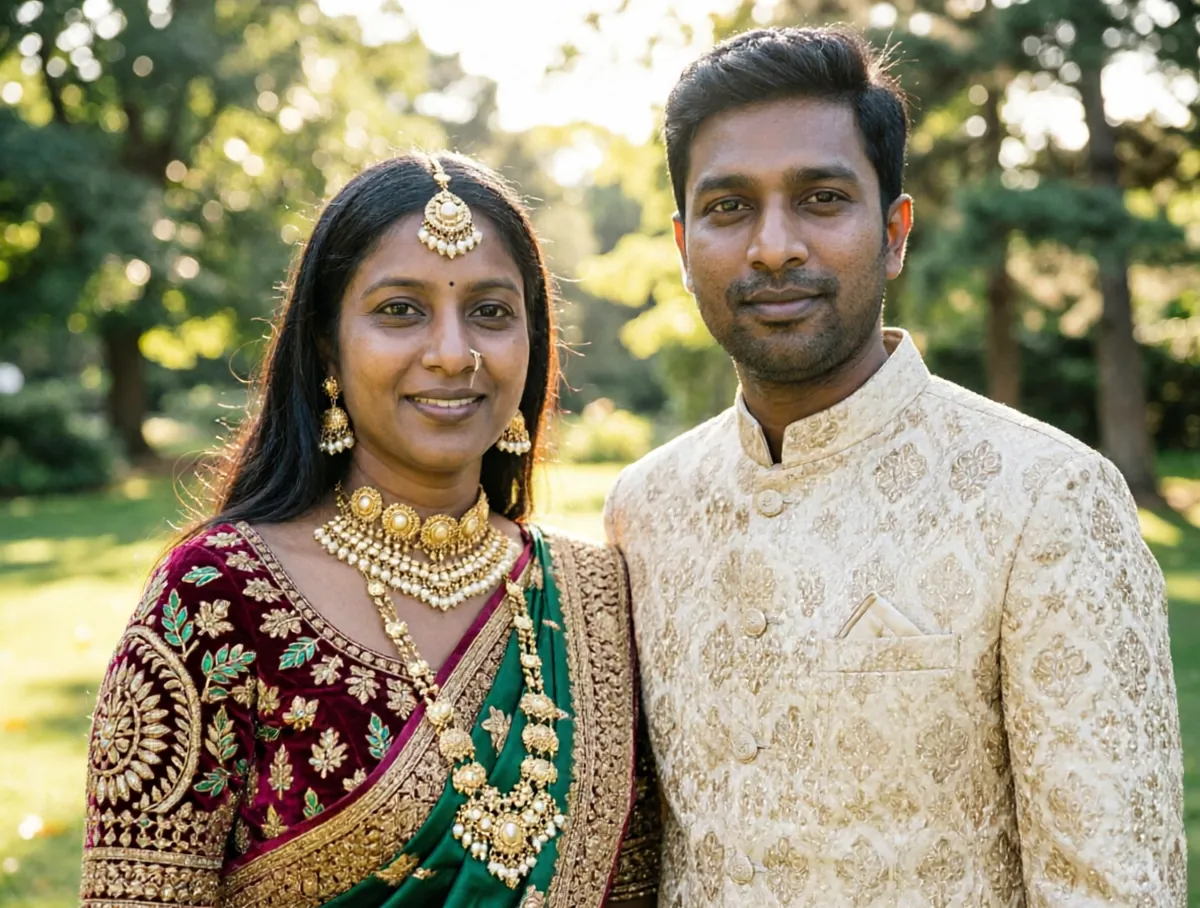
AI Wedding Photo Generator examples
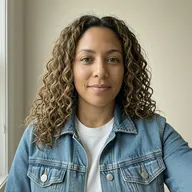
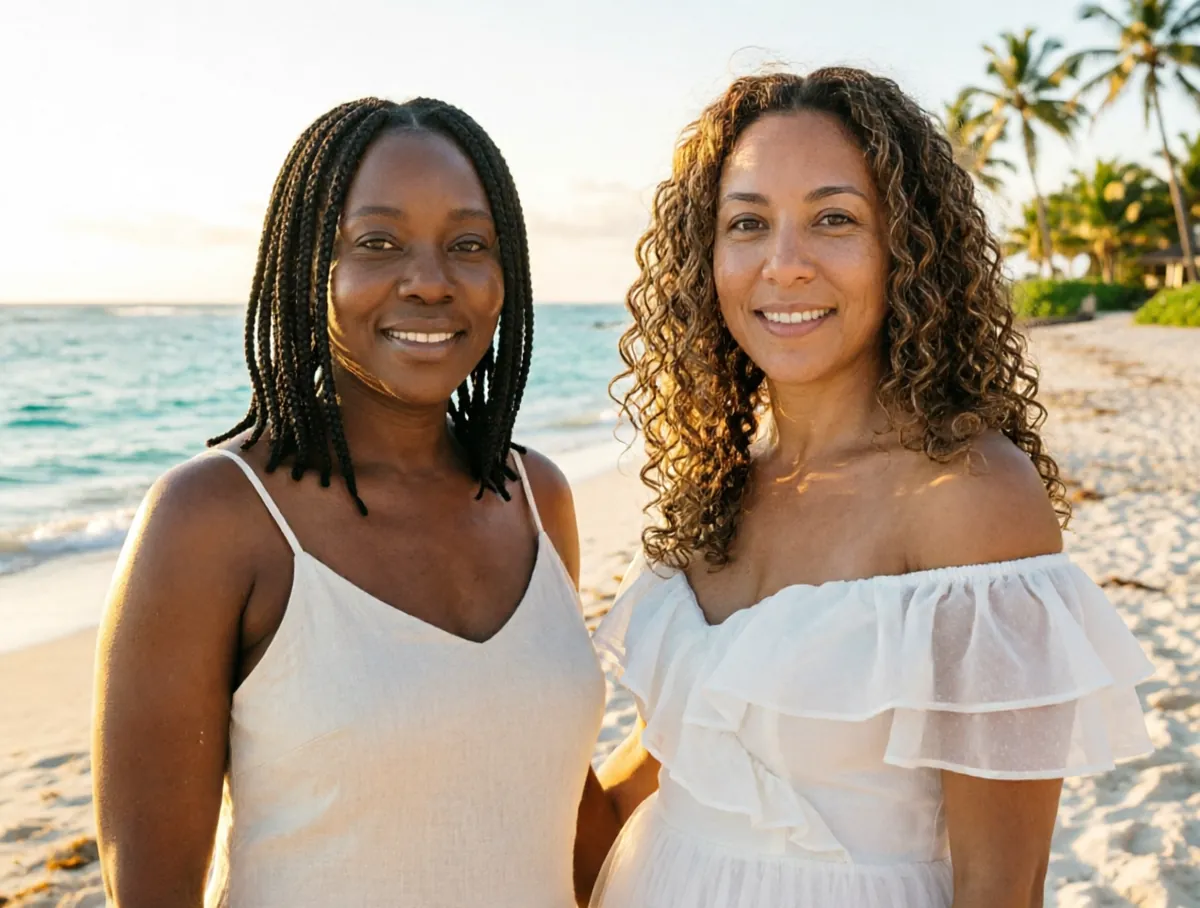
How to use the AI Wedding Photo Generator
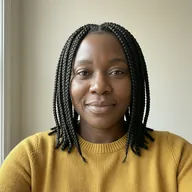
- Upload a clear photo of the first person and a photo of the second person.
- Set the pairing — two women, two men, or a woman and a man.
- Pick a scene: church aisle, beach ceremony, garden reception, proposal, first dance or Indian mandap.
- Choose the attire: western formal, Indian traditional, beach casual or modern minimalist.
- Run it on the free queue, or use credits to get the photo immediately.
What people use it for
Engagement and save-the-date ideas
Try out a beach or garden look before the real shoot, or use the image on a save-the-date.
Anniversaries
Couples who married quickly, eloped or lost their photos can make the wedding portrait they always wanted.
Planning the look
Compare western formal and Indian traditional attire, or a mandap and a church setting, side by side.
Proposal surprises
Make a playful proposal scene to share the news or to hint at a question you are about to ask.
Long-distance couples
If you have not yet been able to meet in person for the big day, make a picture of it in the meantime.
Tips for the best result
- Use waist-up or full-body photos so the AI can dress both people convincingly.
- Front-facing photos with clear faces and even lighting give the most faithful likeness.
- Match the attire to the scene for the most natural result — Indian traditional with a mandap, beach casual on the sand.
- Generate a few versions; posing and framing change from run to run.
Frequently asked questions
Which wedding settings are available?
Church aisle, beach ceremony, garden reception, first dance, Indian mandap and a proposal scene, with western formal, Indian traditional, beach casual or modern minimalist attire.
Can same-sex couples use it?
Yes. Set the pairing to two women or two men and both people keep their own build and features.
Do we need to be wearing wedding clothes in our photos?
No. Upload everyday photos; the attire you choose is generated for both people.
Is the AI Wedding Photo Generator free?
Yes. Every account gets a daily allowance of free runs on the shared free queue, with no subscription. Free jobs run when our GPUs have spare capacity, so the wait can run to hours; the queue page shows your place in line. Credits run the same job immediately.
Will my result have a logo or text on it?
No. What you download is clean, whether it ran on the free queue or with credits.
Who owns the result, and can I use it commercially?
You own the images generated for you, under our Terms of Service, subject to the rights of anyone shown in the photos you upload. Only upload photos of people who have agreed to it.
What happens to the photos I upload?
They are used only to create your result, and uploads and results are deleted on the schedule set out in the Retention section of our Privacy Policy.