AI Background Changer
Swap the background behind you for a beach, city, office, forest or plain colour, with lighting matched to the new scene.
Free on the shared queue · No subscription · Nothing stamped on your result
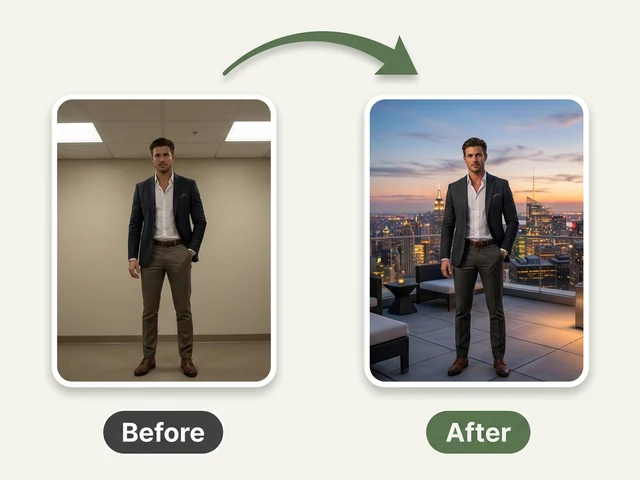
The AI Background Changer replaces whatever is behind you with a new scene: a beach at golden hour, a city skyline, an office, a forest or a plain studio backdrop. Upload one photo and the person in it stays as they are, while the background is rebuilt around them.
What makes a background change look real is light, so this tool does not just paste a cut-out onto a new picture. It matches the light direction and colour of the new scene, keeps fine edges such as hair strands without a halo, and can add a soft shadow so the person looks like they were actually standing there.
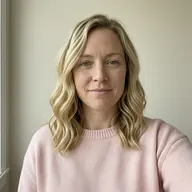
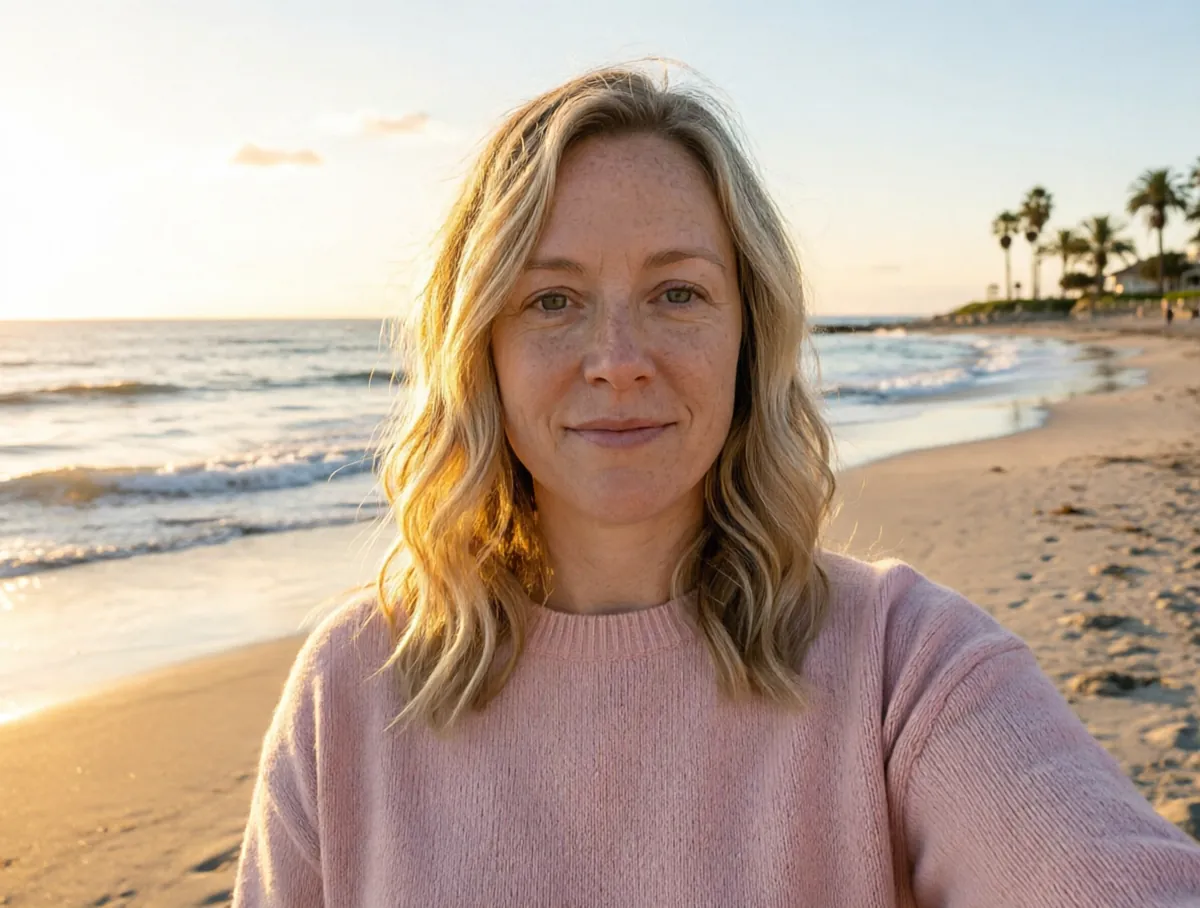
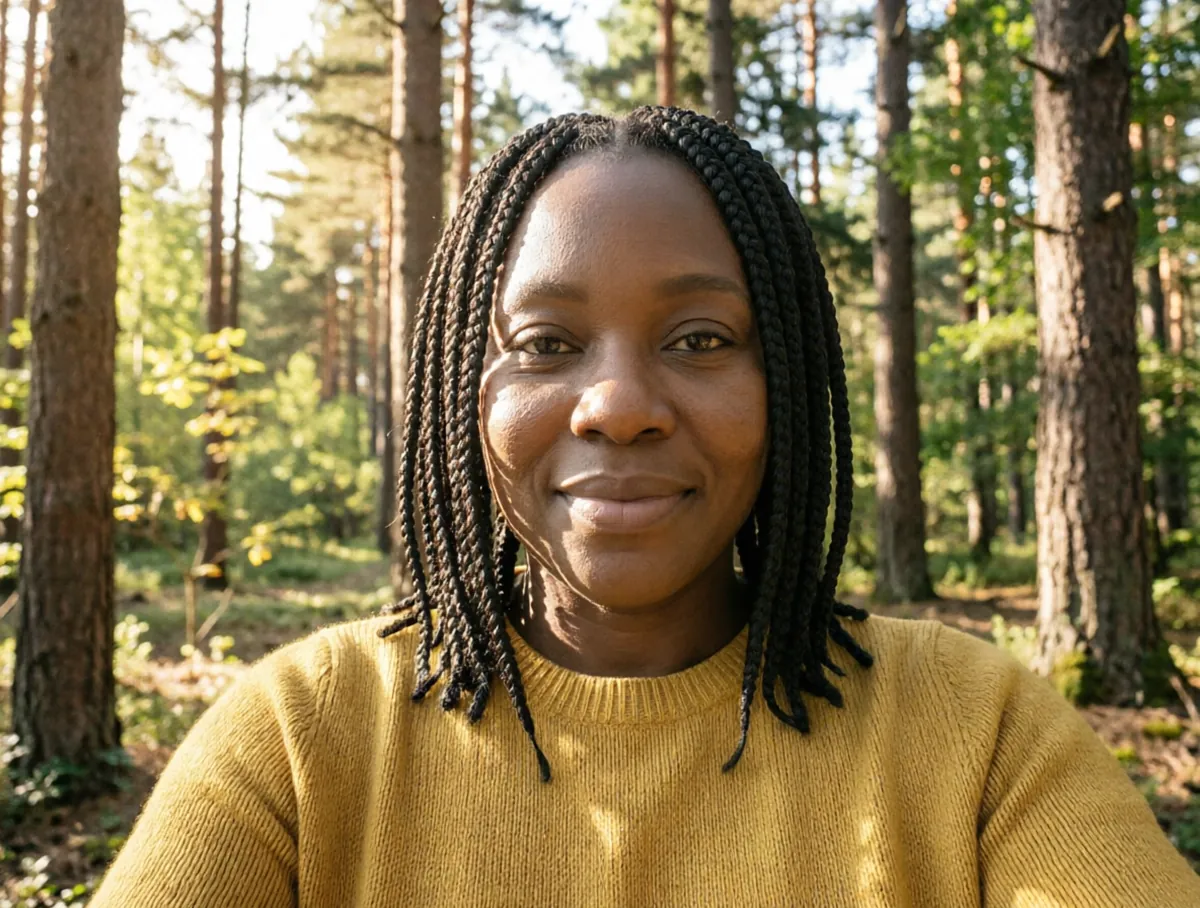
AI Background Changer examples



How to use the AI Background Changer
- Upload a photo with the person or object you want to keep.
- Pick a ready-made scene (Studio white, City skyline, Beach, Office, Nature forest or Solid color), or choose the background yourself.
- Set the lighting: soft natural, studio, golden hour, dramatic or backlit.
- Choose how shadows are handled: a soft matched shadow, a hard shadow, ambient occlusion or no shadow.
- Run it on the free queue, or use credits to get the result right away, and download it.
What people use it for
Profile pictures
Replace a messy room or a busy street with a clean studio or office background for a work profile.
Product and shop photos
Put a product on a plain white or solid-colour background for a marketplace listing, a catalogue or an online shop.
Travel-style photos
Turn a photo taken at home into one on a beach or in front of a city skyline for a fun post or a holiday card.
Consistent team or event photos
Give photos taken in different places the same background so they sit together on a page.
Tips for the best result
- A photo where the person is clearly separated from the background, with the edges of the hair visible, gives the cleanest result.
- Match the lighting option to the scene: golden hour for a beach, studio for a plain backdrop.
- Keep a soft matched shadow on for people and products standing on the ground; it is what stops them looking pasted in.
- For a passport or visa photo, use the Passport Photo Maker instead; it also sets the exact size and crop.
Frequently asked questions
Does it change my face or clothes?
No. Only the background is replaced. The person or object in front is kept, and their lighting is adjusted to match the new scene so the photo looks consistent.
Does it work on products and pets, not just people?
Yes. Anything that stands out clearly from its background can be kept, including products, pets and cars.
Can I get a plain white or solid-colour background?
Yes. Choose Studio white or Solid color. For an exact colour, a plain backdrop with no shadow gives the cleanest edge.
Is the AI Background Changer free?
Yes. Every account gets a daily allowance of free runs on the shared free queue, with no subscription. Free jobs run when our GPUs have spare capacity, so the wait can run to hours; the queue page shows your place in line. Credits run the same job immediately.
Will my result have a logo or text on it?
No. What you download is clean, whether it ran on the free queue or with credits.
Who owns the result, and can I use it commercially?
You own the images generated for you, under our Terms of Service, subject to the rights of anyone shown in the photos you upload. Only upload photos of people who have agreed to it.
What happens to the photos I upload?
They are used only to create your result, and uploads and results are deleted on the schedule set out in the Retention section of our Privacy Policy.